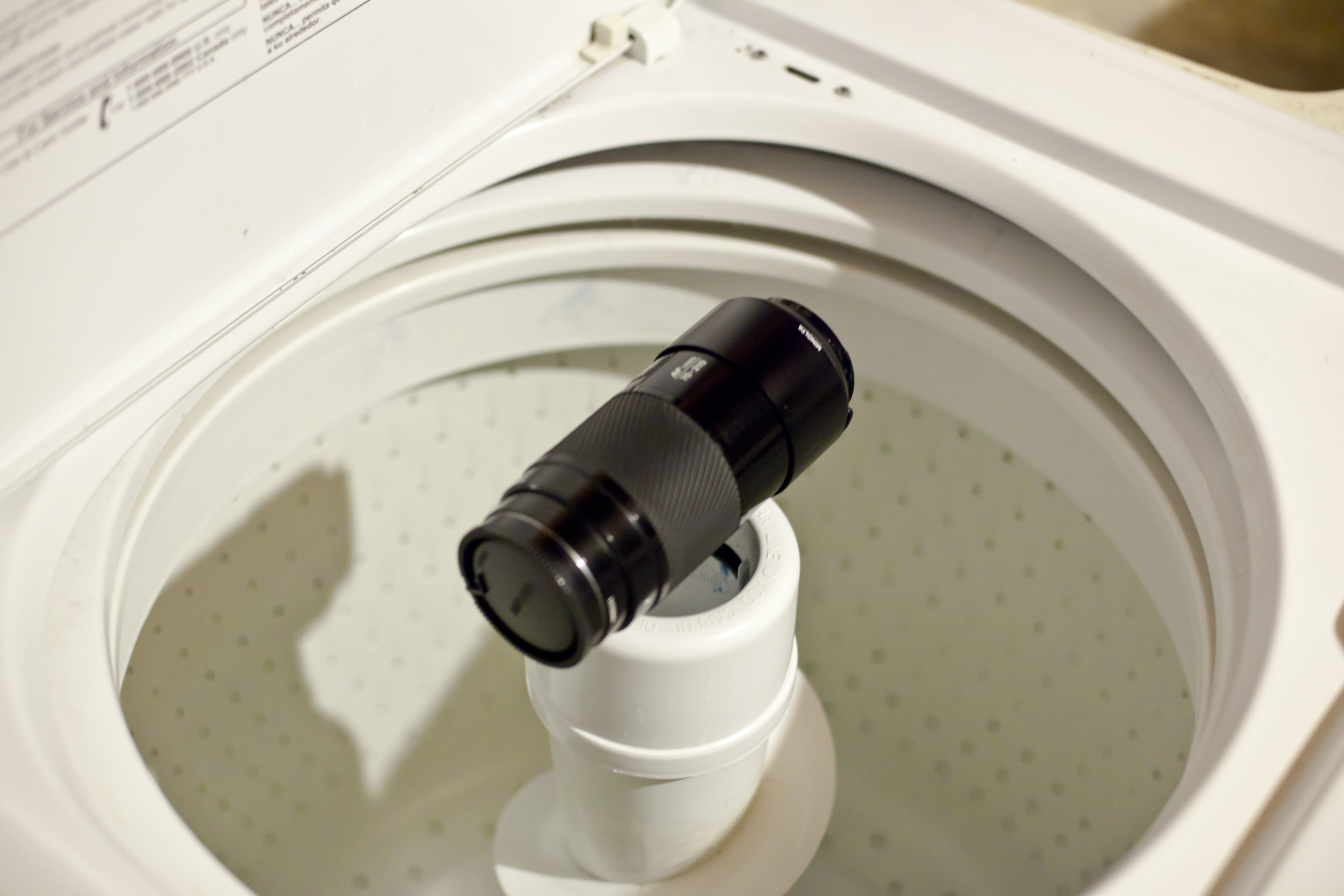
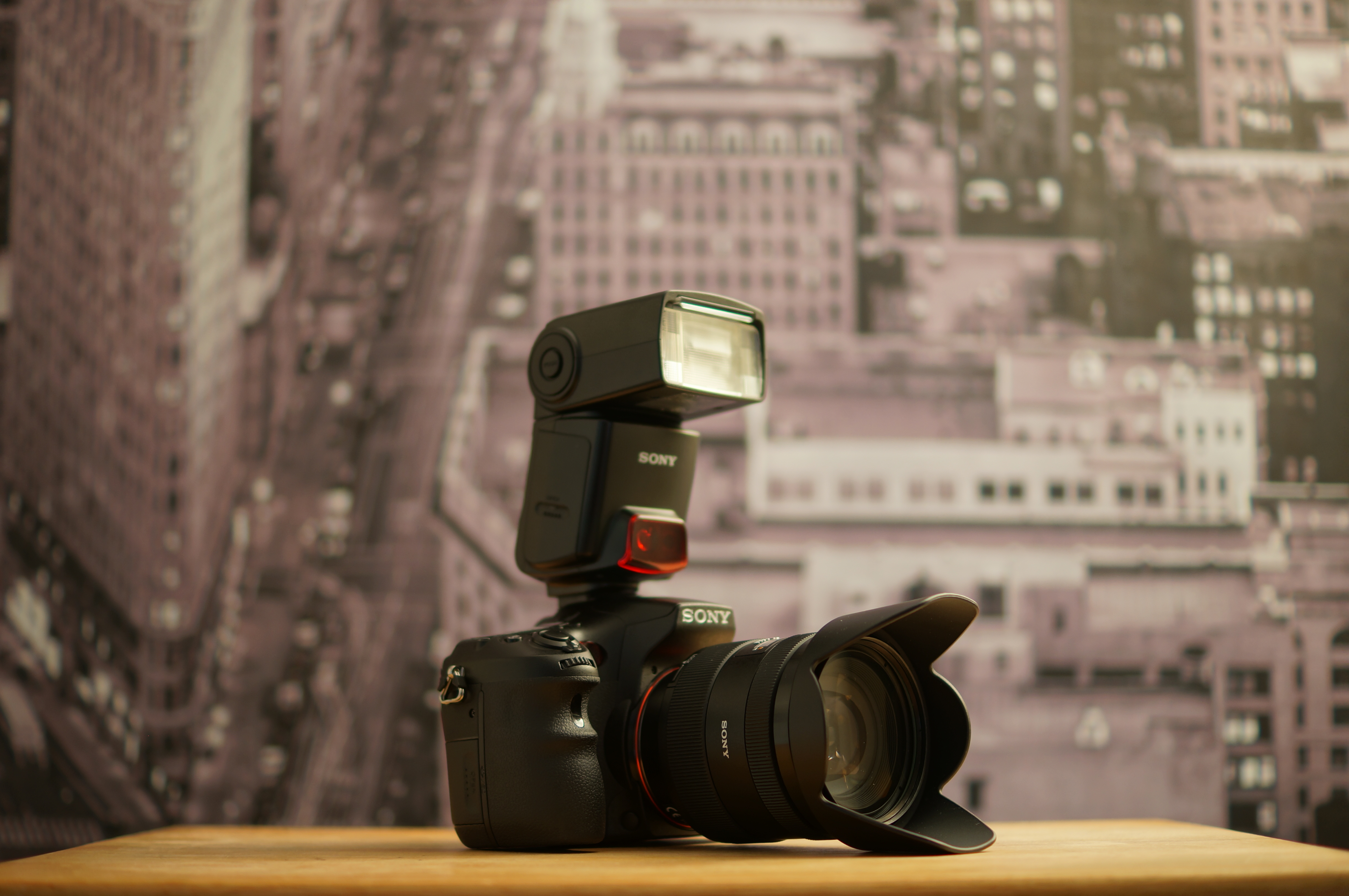
Minolta 50 1.4

DSC05306

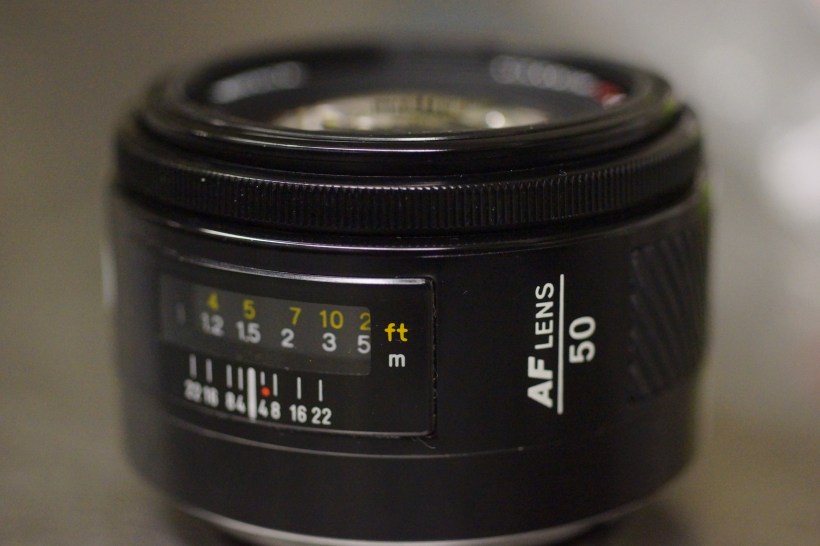
The first thing someone usually tells you upon purchasing your first DSLR, is to ditch the kit zoom lens and get yourself a prime. In the Sony universe, most will recommend the Minolta 50mm 1.7. It’s a great lens, built solidly, and performs sharply. It also can be had for roughly $80. I’ve owned one, then sold it, then searched for it again. I went a different route, spend a few more bucks and obtained the f1.4 version of Minolta’s standard lens. Here’s why:

-on the a77, light is important and I could use the extra third stop
-as far as bokeh on a crop sensor behavior is more like the full frame equivalent of 2.1 vs 2.55, rather than 1.4 vs 1.7.
-sharper overall at wider apertures
-Sony equivalent is twice as much as the Minolta

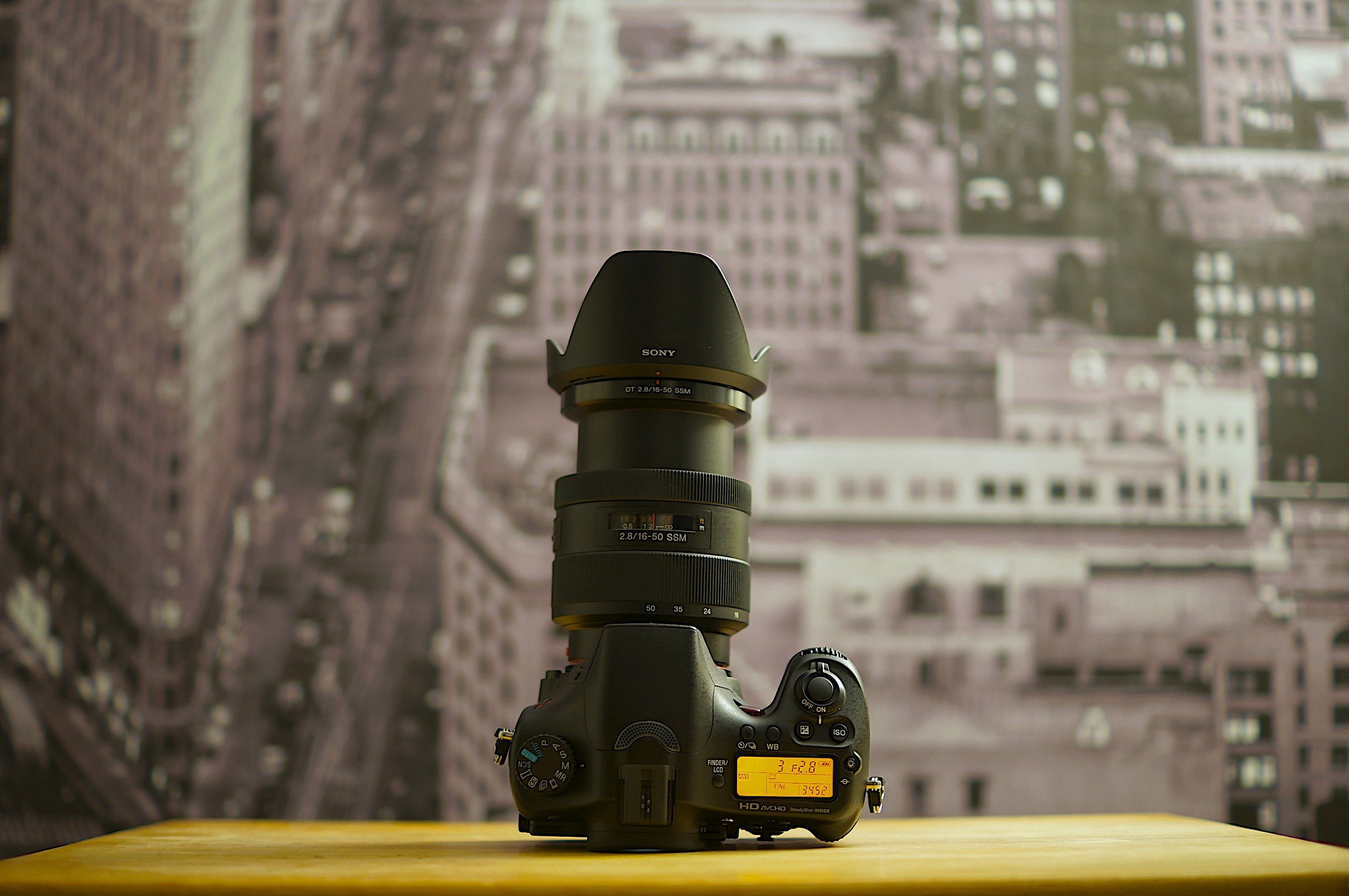
DSC05307

They are both great choices as short tele-portrait lens (remember 50mm on an aps-c is really 75mm) and are built from an era of durability. They are also really small compared to other brands since the focus motor is screw driven and doesn’t require a mechanism in the lens body. So they are truly pocketable. The manual focus ring is tiny however, and though the rotation is smooth on the copies I’ve had, it really was designed for autofocus. An autofocus that is loud but quick on the a77.

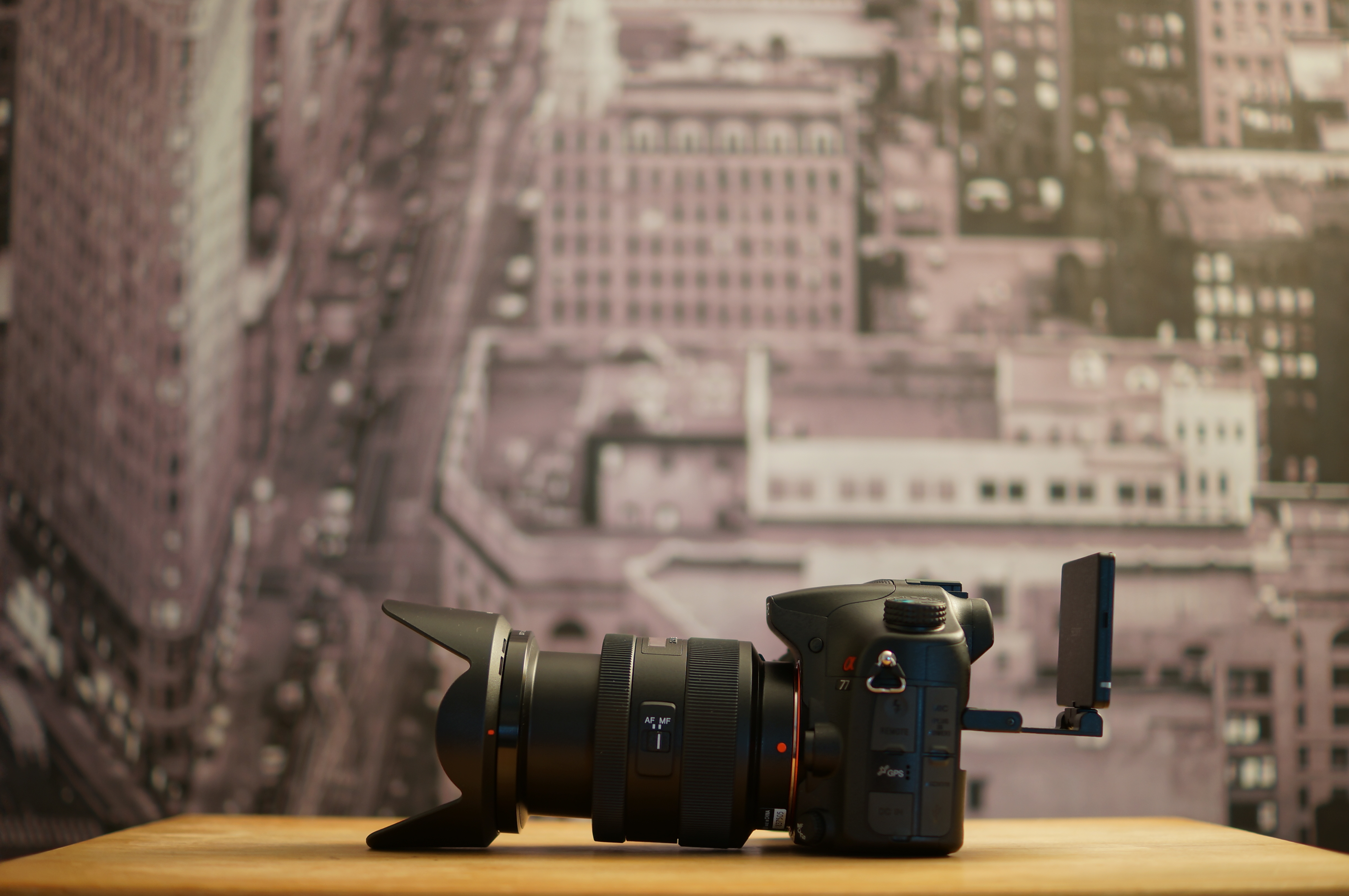
DSC05308

and now a video shot with it….

http://youtu.be/fy7BkIeUVnc

Secret Handshake

secret handshake

There are a lot of rumors and folktales about this one.

-made with Leica
-Minolta sold it cheaply as “thank you” to it’s users
-every time a picture is taken with it, Zooey Deschanel sings a quirky song

The facts are it takes solid, sharp and contrasty photos that performs well against the much more expensive Zeiss line of lenses.

Here: Pitted against Sony “G” and Zeiss high end lenses.

secret handshake3

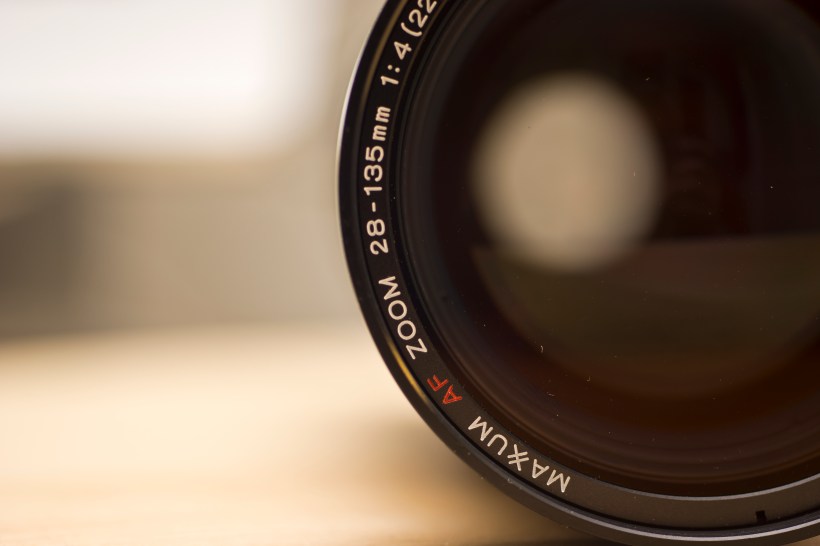
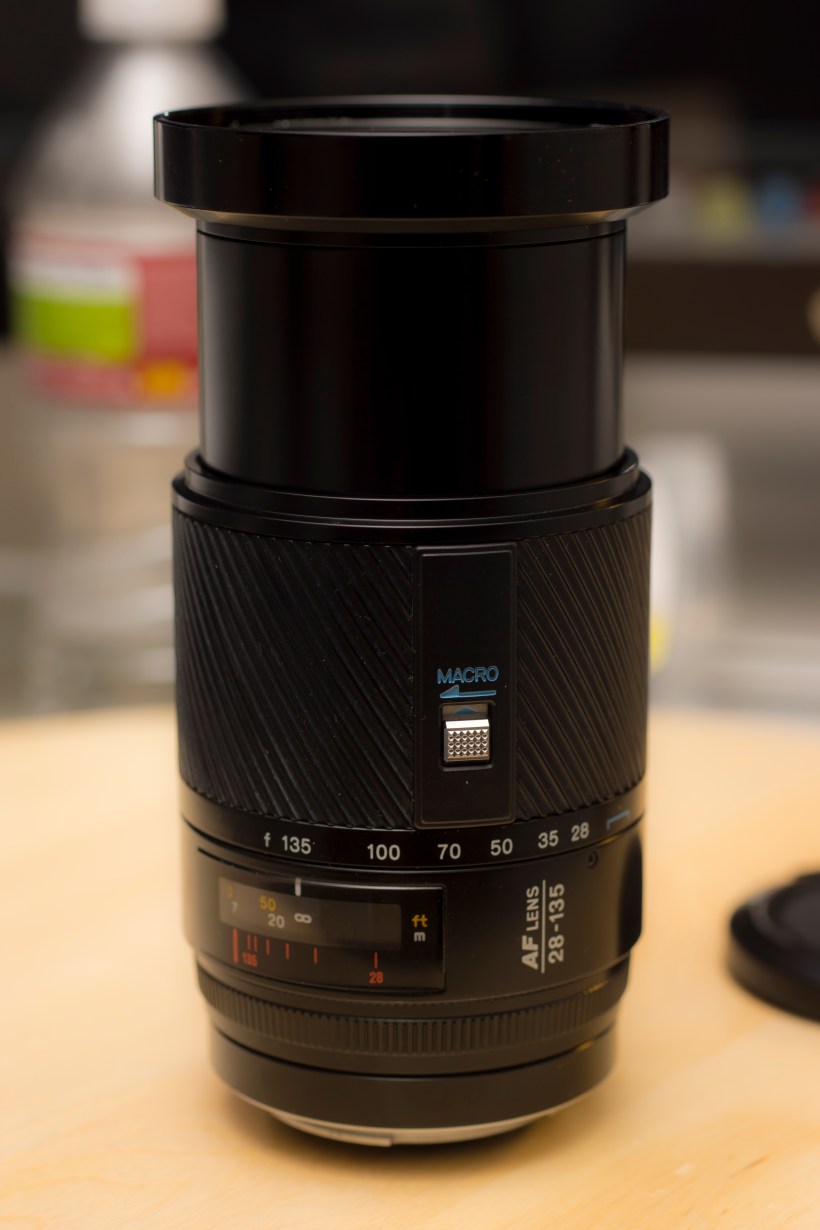
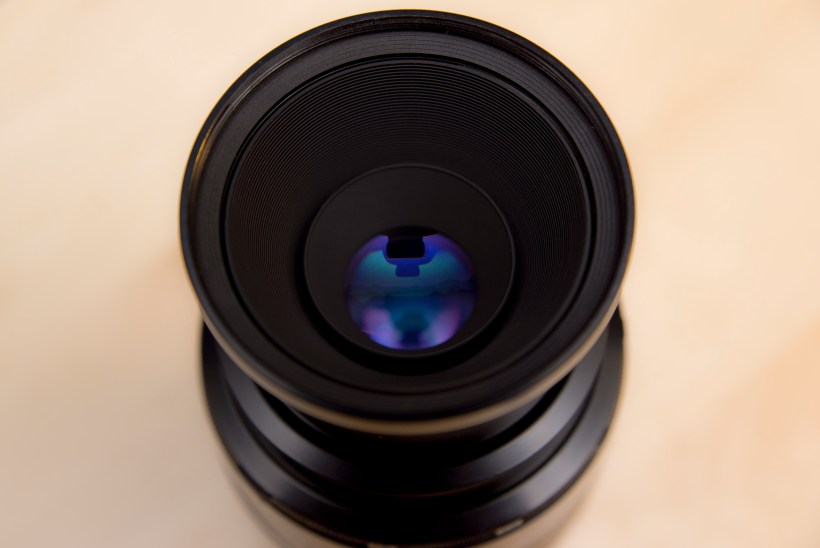
It has it’s drawbacks. 28mm is not wide enough and f4-4.5 is not fast enough, especially on a crop sensor, for general purpose. The minimum focusing distance is also pretty long, but it comes with a nifty macro switch that lets you in pretty close. It’s manual focus only but still comes in handy. I used it for some of the shots in the video that follows. The focus ring feels flimsy and is oddly located in the rear but autofocus is extremely fast on the Sony a77. For full frame or other high megapixel cameras, the resolution and detail it can capture with the right light is amazing. It’s also, like all other Minolta lenses, built like a tank….apart from the focus ring.

and now a video shot with it……making a pot of chili. Lost the footage of tomato puree going into it. blah, blah, blah just watch it.

Minolta 50mm Macro

DSC05252

The Minolta 50mm 2.8 Macro. This oldie doesn’t have a nickname but it doesn’t need to. Here’s what it does have though…1:1 magnification. Many of today’s zoom lenses have the word “macro” written somewhere on the lens. It’s somewhat misleading and in best case scenario gets you as close as 1:4. Moreover much of  today’s dedicated macro lenses have a maximum magnification of 1:2. Serious macro photography requires  1:1 magnification.

Closest the Sony 16-50 2.8 SSM can get
1:2 magnification
1:2 magnification
1:1 magnification
1:1 magnification

The most popular focal distance is 100mm. The smaller the focal distance, the closer you must be, which essentially means there is less natural light to work with. This is one reason why the 100mm is usually preferred over the 50. However, if you put a 50mm on an aps-c sized sensor, such as the Sony a77, that gives a FOV equivalent of 75mm. This is a nifty tradeoff since this lens fits in your pocket. Minolta did make a 100mm 2.8 Macro lens that some considered to be THE best macro lens period.

The biggest plus is you can find this lens going on ebay for half the price of either the Sony equivalent, which is the same optically, or the 100mm Macro. As a bonus, the 50mm macro can double up as a medium portrait lens good for 1/4 body shots.

DSC05257

and now a video…

http://youtu.be/A8RqgQSMSqc

Queen of Portraits

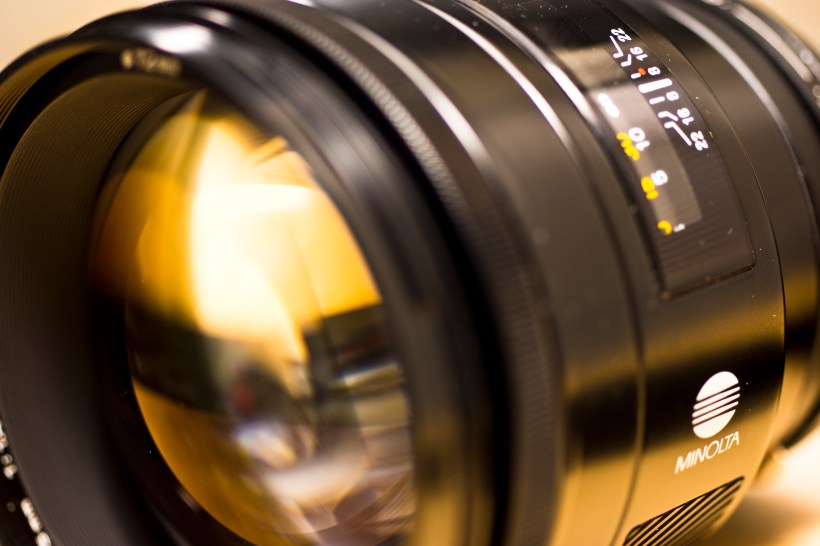
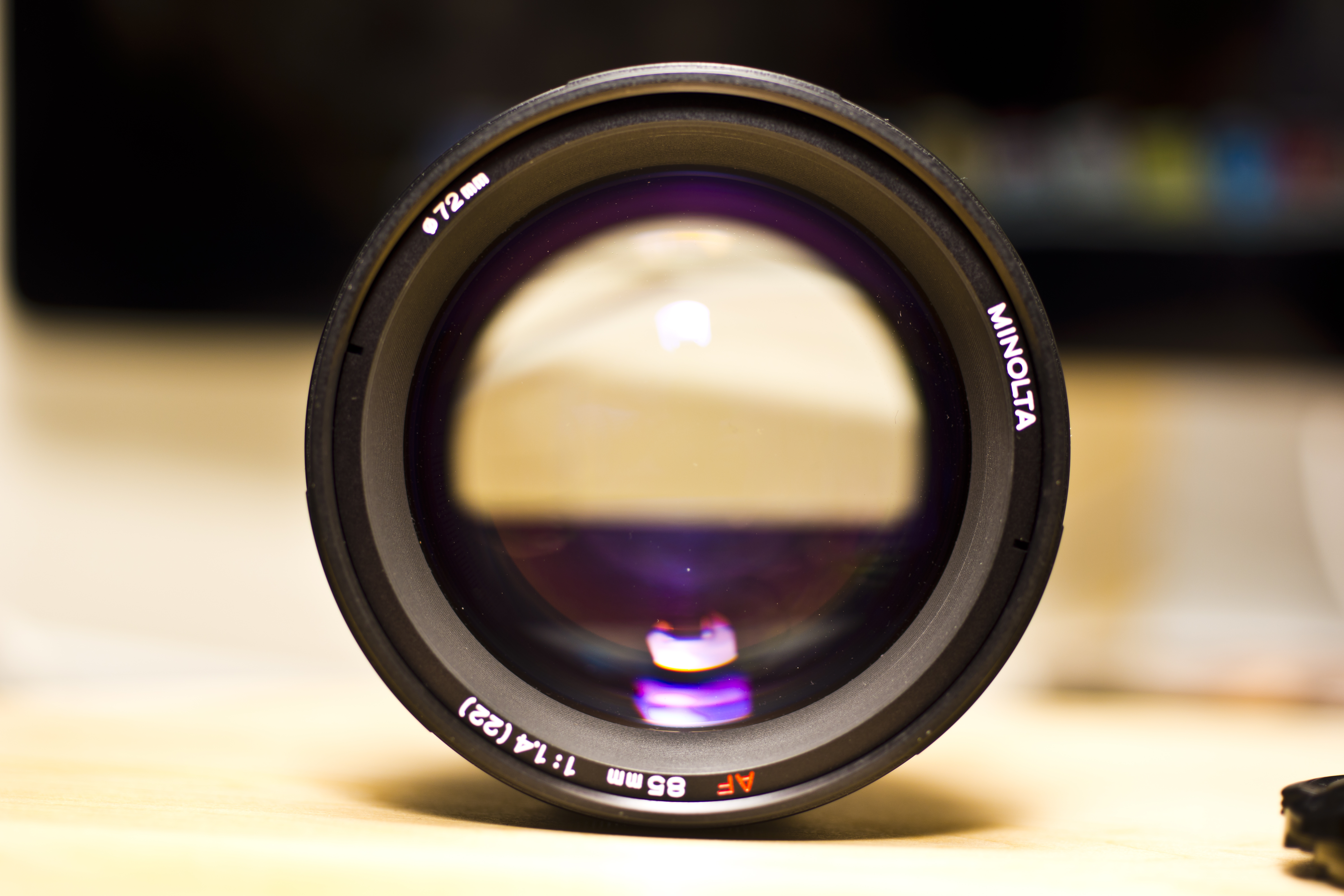
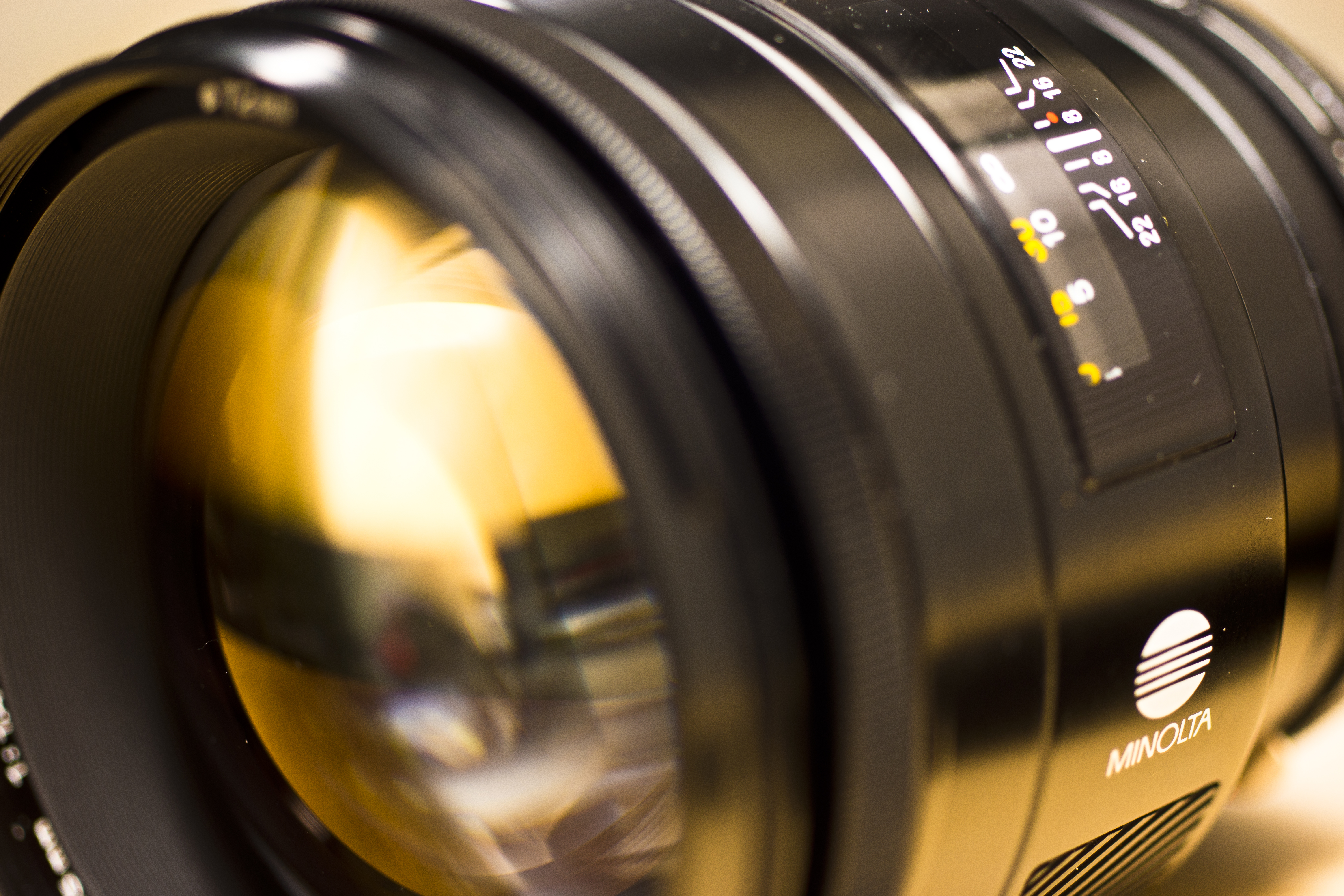
Minolta made some “G” or “L” class lenses in there first go round with autofocus. Legend has it that through it’s formal cooperation with Leitz (more known for it’s Leica division)  Minolta integrated unusually high performance optical technology that some would prefer over the twice as expensive Zeiss. With a focal length of either 85mm on a full-frame or 127.5mm on an aps-c combined with an ultra fast 1.4 aperture it makes for a beastly portrait lens. Creamy Minolta bokeh, rich colors, and a hulk-like build add to the credence to it’s nickname “Queen of Portraits.”

and now a video:

http://youtu.be/BLp_67ZVzfk

Beercan

Sony lenses that are accessible to me are crap. Nice images. Cheap, but cheaply made. Plastic mounts. Flimsy focus rings. Lightweight, sure and that has its benefits but one drop and…..

This got me searching for some comparable Minolta lenses. Love! Metal mounts, brick-like build, brick-like weight (maybe that’s not a plus), and the colors! The creamy bokeh! My collection was unmanageable. I had to let a few go. I now feel compelled to shine a light on a few of them while they’re in my possession.

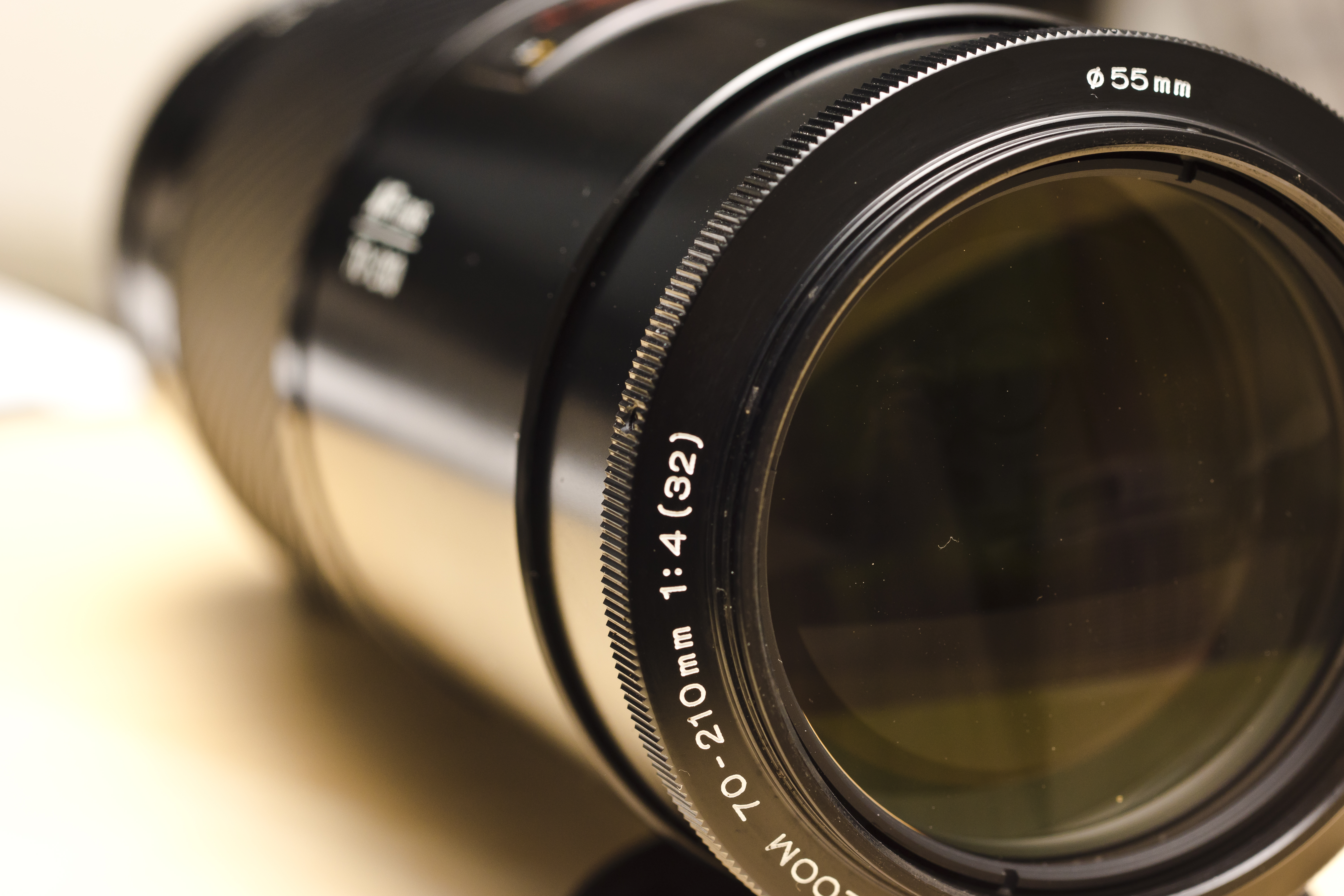
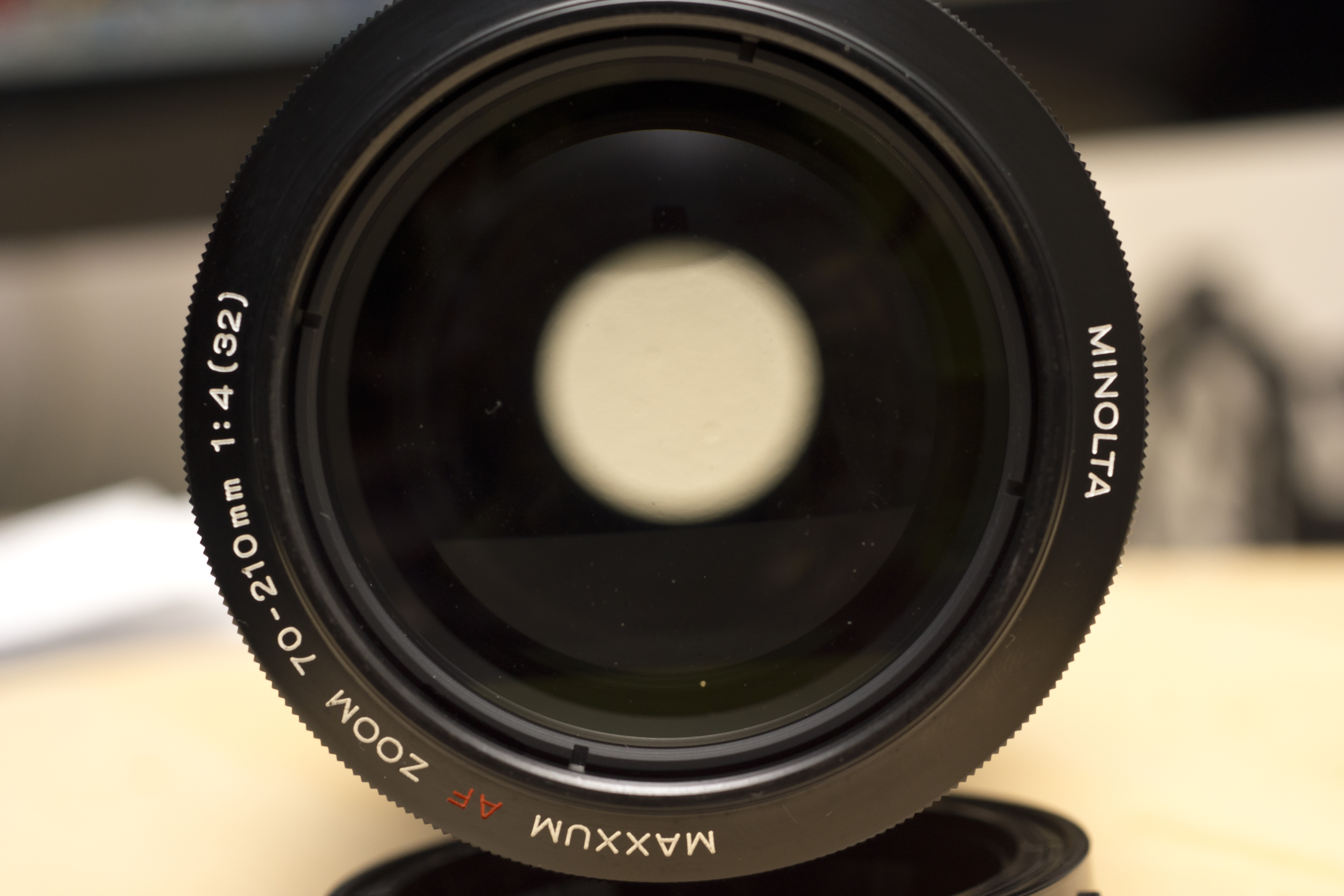
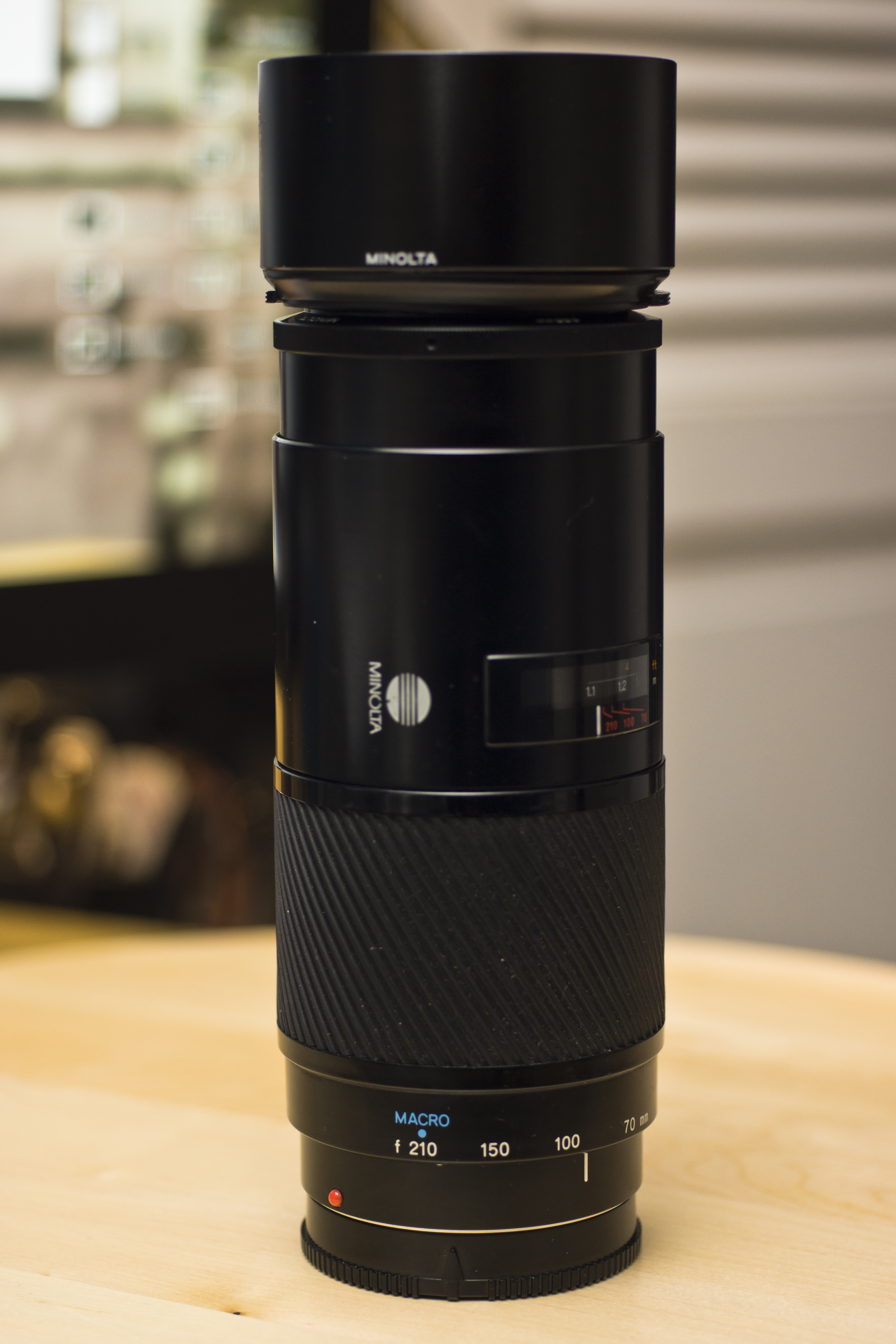
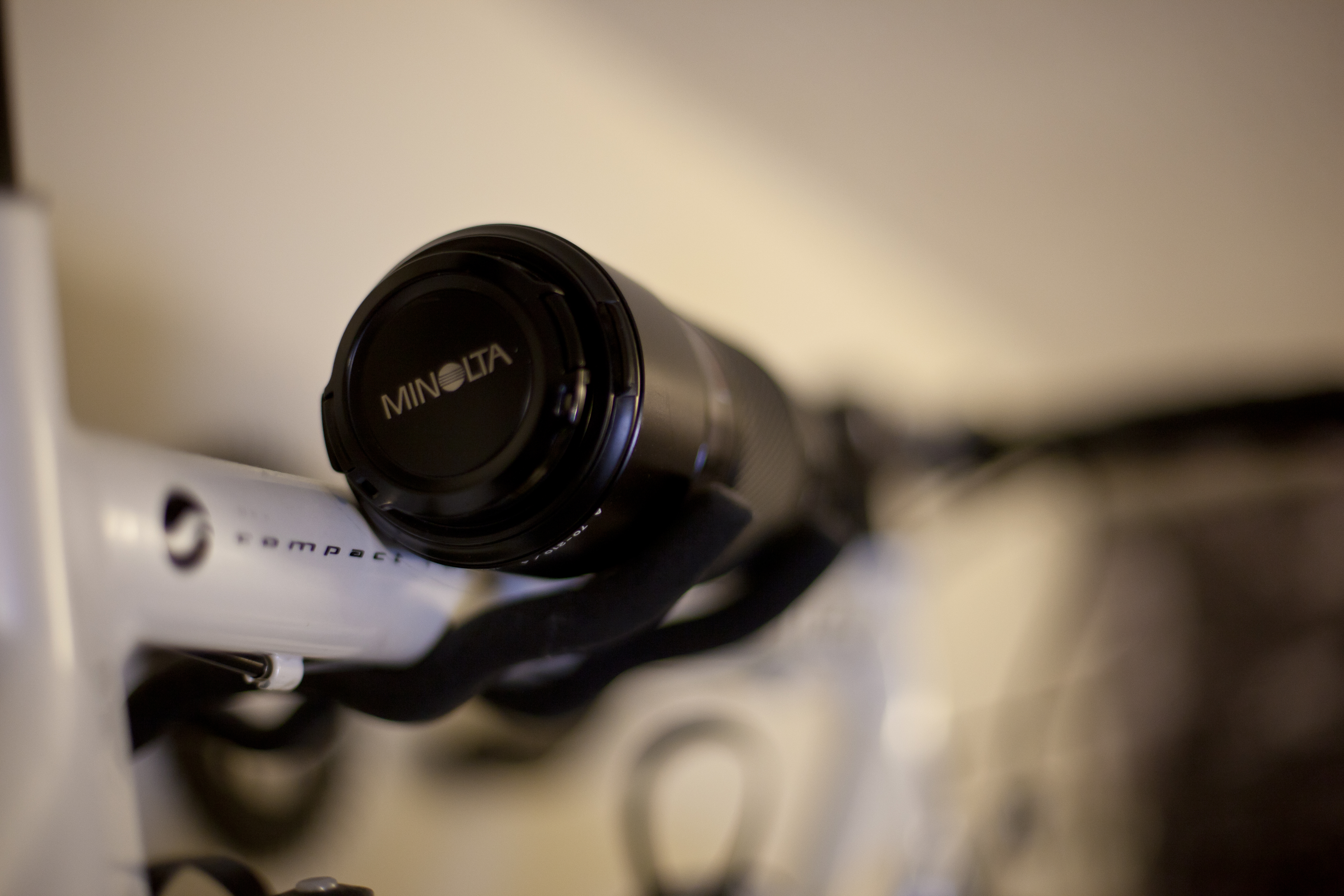
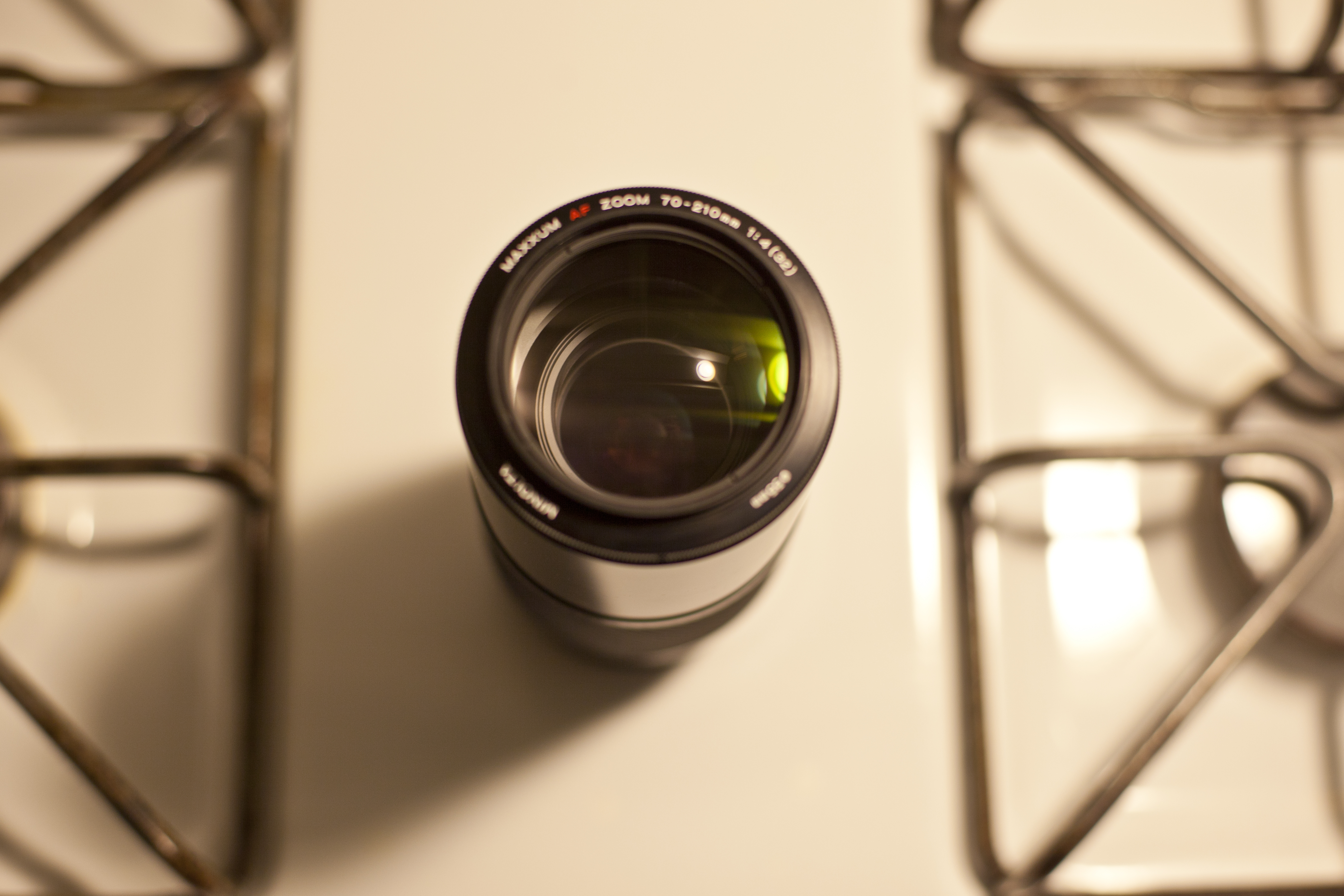
The “Beercan” is probably the most well known of Minolta’s first generation AF glass. It is heavy. 70-210mm and a constant f4 is a pretty nice feature set considering ebay prices go around $150 US dollars. The autofocus is driven by the camera’s in-body motor and the glass is propelled by a screw. The zooming is in body so the barrel doesn’t extend as you zip across the range. It’s pretty long though and looks obscene mounted on the a77 without a grip. It’s sharp from around 5.6. The focus ring is narrow and not the best for full-time manual adjusting.

The “Beercan” produces much better IQ than the “Big Beercan” (75-300), is faster than the “Mini Beercan” (100-200) and has more reach than the “Baby Beercan.”

In the Sony/Minolta world of cameras, it’s a must have. It is legendary.

And now a video…

A Love Story and a Baby.

Is there ever a need or a reason to have to know somebody? Is being surefooted with a singular goal more of a risk than being open to constantly trying new things? I’m pretty sure all my original thoughts were wrong. I’m pretty sure that this type of story is rarer than total eclipse. I’m happy that I get to know Brian and Ada. It never gets boring to say but he is her first boyfriend AND vice verse.

I got to spend a day with them and their first baby, Brayden.

http://youtu.be/lEcqInCPxbY

Technical stuff of note:

The last scene with the dog (Gigi) was shot with the Canon 5D Mark ii. I’m starting to get addicted to the full frame look. That tree almost looks 3d! Most everything else was shot with either the Sony a77 or a hacked GH2. It’s getting real annoying how one camera’s strengths are another’s weakness. The a77 was by far the easiest to shoot with, quickest to get focus, and the easiest to compose (articulating screen and evf). Shot in 60p and slowed 40% in post for all the slo-mo shots. The biggest issue with the GH2 and a77 was the lighting. I walked in relying on natural sources and it just wasn’t working. The higher ISOs I had to use gave me some noisy footage. I also came in to snap stills not motion and was a bit groggy from being up all night battling the sniffles….ahh excuses – I feel magically better about the video now. As far as the stills go, I was much happier shooting with the a77 paired with a vintage 1985 85mm 1.4 Minolta lens. I never missed a shot I wanted. The Mark ii just wasn’t fast enough to lock focus on certain occasions and I missed a few shots. When I pulled all the images though, the 5D pulled a significantly higher useable hit ratio. Wish I could take all three cameras and roll em into one.

Lenses used:

Minolta 85 1.4
Minolta 50 1.4
Minolta 50 2.8 Macro
Canon 50 1.4 USM
Leica Summilux 25 1.4

Chopped in Final Cut

Bonus:

I came across this and have to share. The Sony team behind the NEX decided to make fun of DSLR users. I think I turn into the last guy sometimes. “Let me put it into video mode!”

http://youtu.be/LApO_BDRE8M

Pocket Camera Cinematic Challenge

There are certain rules when it comes to creating cinematic moving pictures. Shoot in 24 frames per second (or 23.98fps exactly). Record in widescreen formats, either 16:9 or 1.85:1 (anamorphic 2.35:1 looks really epic too). De-saturate and get some shallow depth of field shots.

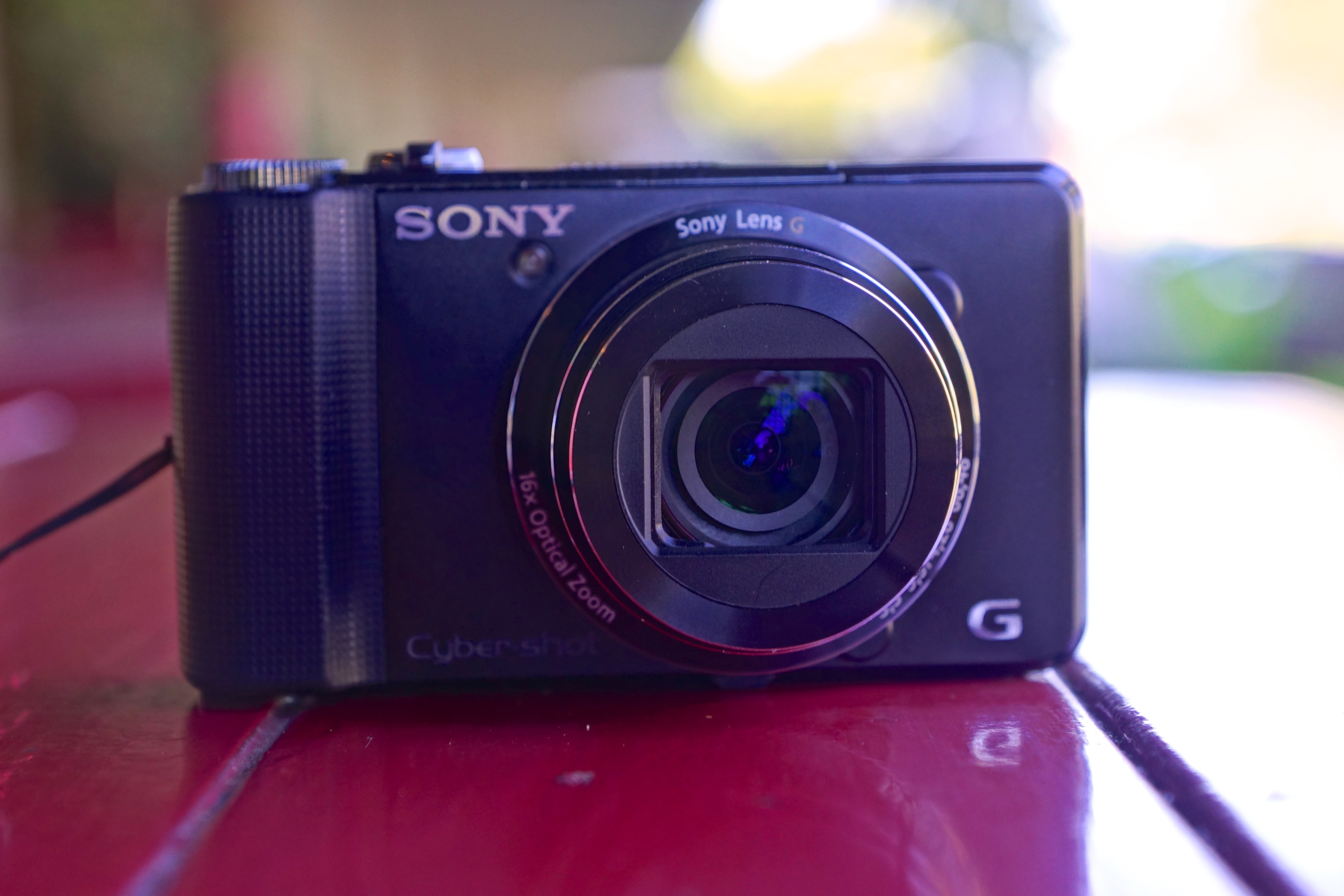
I wanted to see what these rules would look like with a pocket camera as the recording device. Case subject: Sony HX9V. A pocket camera from last year with middle of the road reviews but regarded as a decent video shooter.

The biggest challenge was the small sensor. This meant making sure there was adequate light, as a lack of it would lead to noise reduction activation and a resulting super soft image. The other disadvantage of the small sensor, compared to the larger ones found in DSLRs, is the lack of shallow depth of field. Everything is focus, which has it’s advantages for sure. People definitely and defiantly overuse this effect. I’m guilty of it too. To overcome this I had to focus really close and use the camera’s good macro mode and to zoom in and switch focus locks.

Most of everything else was done on Final Cut Pro X. The HX9V records in 60 or 30 frames per second 1080p only but the 60p conforms nicely in FCPX to a 24p timeline. The added bonus is being able to slow mo any recorded scene smoothly since the editor has 60 frames to work with instead of 24 traditionally. I recorded in 16:9 but added some additional crops for a 1.85:1 ration. Finally I took saturation far down, the colors are actually quite nice on the camera, and added a slight vignette. Finally I added some slight orange, purple and teal.


Sony’s HX9V, and assume the replacement HX20V & HX30V, produces some sharp images that rival the GH2’s resolving power when there is sufficient light. There are two image stabilization modes that can be used together. One is optical, in the lens, and the other is software that when combined has a VERY smooth effect. Probably best I’ve used and similar to what a couple hundred dollar steady cam would achieve. The 16x zoom (20x on the newer HX20v) is pretty amazing as well as it effectively gives me a walk-around 24-385mm lens that fits in my pocket! Best of all you can probably find one used for a hundred bucks if you hunt around.

Sidenote: Stills suck, comparable to iPhone 4 photos.

So here are the results using a day of random shots:
http://youtu.be/Ox2J7tJ8C8k

See how this bite-sized camera stacks up against DSLRs 4-7 times the price.

Optical Flow

http://youtu.be/2GP43yYeNT4

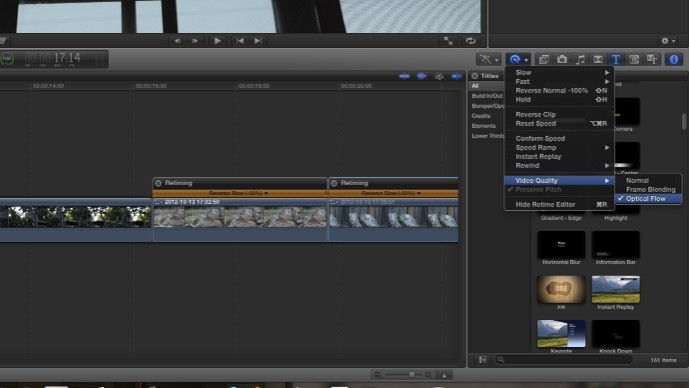
These tips stem from the fact that I have shaky hands. It started out with the intention to, for myself, pixel peep the Apocalypse Now 444 GOP 12-15 Soft hack on the GH2. I slapped on the Fotodiox Alpha A mount adapter, which I can recommend (has an aperture ring built in), and fixed a 35mm 1.8 lens. I paired this setup with the Pico Skater Dolly, found a flat wooden plank and shot different parts of the house.

After I imported the footage into FCPX, I discovered that on some shots I panned slow, on others too fast. In fact, I decided I wanted a much slower dolly effect after finding the music I wished to pair with it (Leather Wings by This Will Destroy You). Being lazy I decided to retime everything and smooth it out with FCPX’s built in Optical Flow.

Obviously getting the shot right in camera is ideal but in a pinch I thought it looked pretty good. There seems to be some warping effect on the intro scene around the asian fan lift. What do you think?

A77 vs GH2

There’s a lot of acclaim for the GH2 and hardly any talk about the A77 with regard to video capabilities. Just scour Vimeo and discover thousands of uploaded GH2 footage compared to only a few hundred decent A77 video. I wanted to run an unscientific test to see just how superior the GH2 is, if at all. All outside shots were at ISO 160 with an ND filter, 1/50th shutter speed and 4700k white balance. Indoor at ISO 320, 1/50th, 5700k. I used an adapter on the GH2 and guessed on the aperture to match the a77 which generally hovered between 3.5 and 4. I used the Sony 16-50mm 2.8 SSM on both with the GH2 on 25mm and A77 on 27mm to account for their respective crops.

Resolution. The GH2 produces the sharpest images, almost a true 1080p. Though you can record 1080p at 60, 30, or 24 frames on the A77 it produces soft pictures that look more like 720p. Tree leaves and bricks look great on the GH2. I can hardly tell the difference on macro shots as the A77 has no trouble resolving detail there. Also aliasing is less of a problem on the GH2 and non existent when using ETC mode.
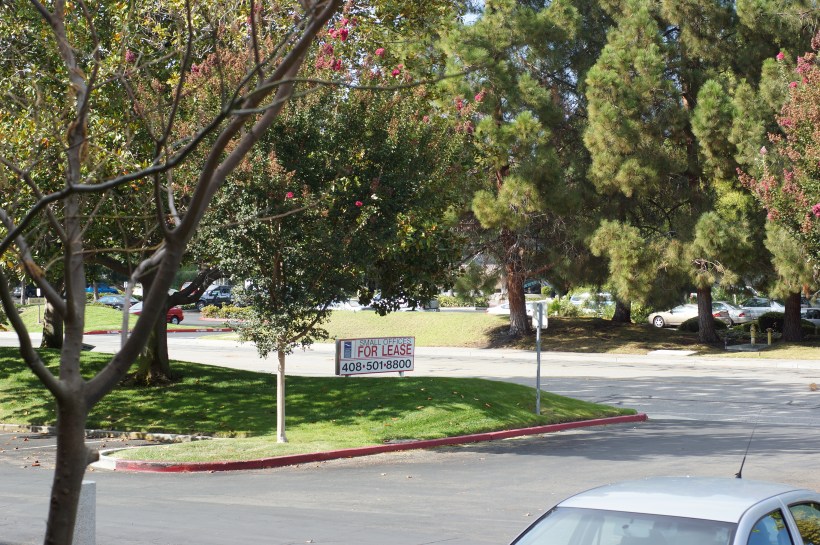
Color. I like the colors on the A77. If I had no desire to do any corrections in post the A77 would win. But with a high bitrate hack, the GH2 has a lot of latitude with what you push around in post. The new Apocalypse Now 444 hack also helps with smoother gradients. Likewise, setting the A77 to Sunset with manual white balance accomplishes the same thing.

Noise. The A77 has ISo 100 to 1600 in video mode that generally feels like a stop brighter at each respective ISo compared to the GH2. Images are clean through ISo 640. I think it’s a hair better than the GH2. However, the GH2 (with hack) can go all the way up to ISO 12800 and the noise grain looks so organic and film-like that it’s not a distraction to me. When I see noise on the A77 it’s an eyesore.

Motion. The a77 looks better in my opinion and emotes a more cinematic visual. It can record in 1080p at 60 frames per second that can be retimed for some nice slow motion. The Gh2 can record at 60 frames per second only in 720p but it pretty much looks like the A77’s 1080p because it resolves so much detail. With a wide variety of patches, it also is less prone to macro blocking so filming water in the distance won’t be a worry. Moire is almost non-existant on the GH2, can’t say the same for Sony.

Rolling shutter. On the Gh2 record in ETC mode. On the A77 record in 60p. Poof gone, otherwise it’s a small issue all DSLRs have.

Crop. 2x on the GH2 still gets nice bokeh. Video crop on the A77 (because of SteadyShot) is 1.86x but it does get 1.5x bokeh and light which is nice.

Weird Stuff. The a77 and GH2 under certain lighting conditions can produce banding in the images. Usually scrolling through different shutter speeds or getting more light will resolve it. Both are equally distracting when it occurs.

Ease of use. The A77 is by far the easiest to use. It’s a great size, good heft for handheld shots yet not heavy. Slap an SSM lens, turn on autofocus and use that great tilty screen and thats all you need. No bulky monitors. Or use peaking for manual focus. Perfect ENG style camera. It’s also weather-sealed with a magnesium alloy body so shooting in the rain or dusty environment isn’t a worry.

Pro results. With the right exposure there is no beating the GH2’s image quality unless you’re ready to invest over 3k, not including lenses. Also, while peaking is great I had mixed results. I had a green light on the Red Bull in one of the above shots but it looks more than soft, it looks out of focus. The GH2’s zoom in video makes it easy to get pinpoint focus when setting up a shot. It won’t work during record though when peaking on the A77 does. The Sony can be used for producing great video, but the limited bitrate make it less than ideal.
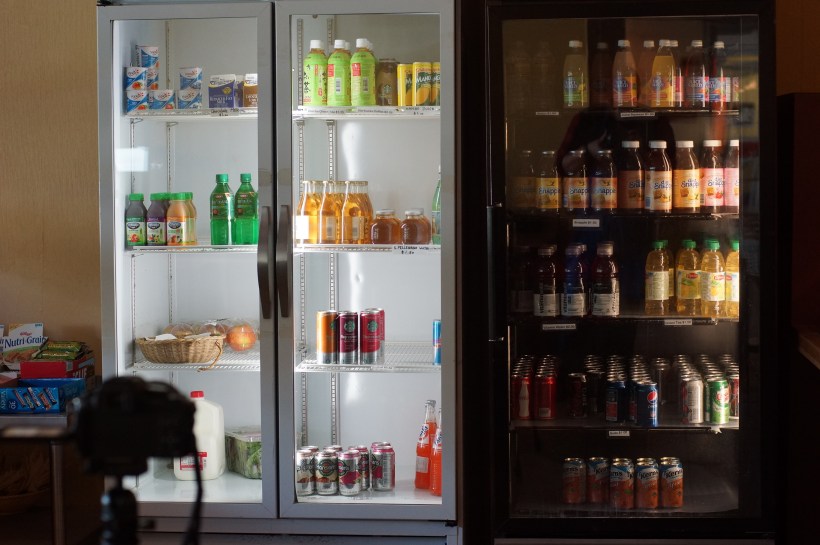
Misc. If money is a factor, sure the A77 is more expensive, but with the in-body steady shot all lenses are stabilized. Slap an old Minolta 50mm 1.4 or Beercan and get creamy bokeh. The equivilent lens for the GH2 with cost substantially more if it had optical stabilization. BUT since the GH2 is micro four thirds you have an almost infinite lens supply. With the right adapter you can connect just about any lens from any era. Plus with 4:3 MJPEG mode you can shoot in Anamorphic Widescreen a la Blade Runner style!

Creativity. I think the A77, since it’s easier to pick up at random and use, allows me to concentrate on the moment, composition, and other things. It’s important for a one man crew such as myself.  There’s some technical prep work that needs to be done on the GH2 and quite possibly more gear that needs to be added. (ex.I want to go to the skate park and shoot wide angle. With the GH2 if I go with a vintage lens I need a steadycam and followfocus. I can get rid of the followfocus and get a Panny 20mm 1.7 but that has no Optical Stabilization (though it’s contrast detection auto focus is pretty good). With the A77 I can turn on focus tracking and slap any lens I want on it, hand held. In this respect, the A77 might be a bit more versatile with what its able to do.

Conclusion. The A77 is by far the better stills camera. If I’m out and about with no agenda I’m taking it with me. If someone is paying for video work, it’s gotta be the GH2 because when optimized, it produces stunning images.

P.S. I lost lots of footage on the GH2 recording on a 32gb Transcend Class 10. Everything looked good in playback but the files were corrupted when trying to transfer. I had no issue with the SanDisk 95 mb/sec Extreme Pro card. Plus it turns the a77’s 12 frames per second burst into a killer feature with 8 second buffer clearing on RAW + jpeg, 6 seconds full 24 megapixel jpeg, and even less on 12 megapixel mode. It’s again even faster if put into 8 or 10fps mode.
Pico Dolly Quick Review

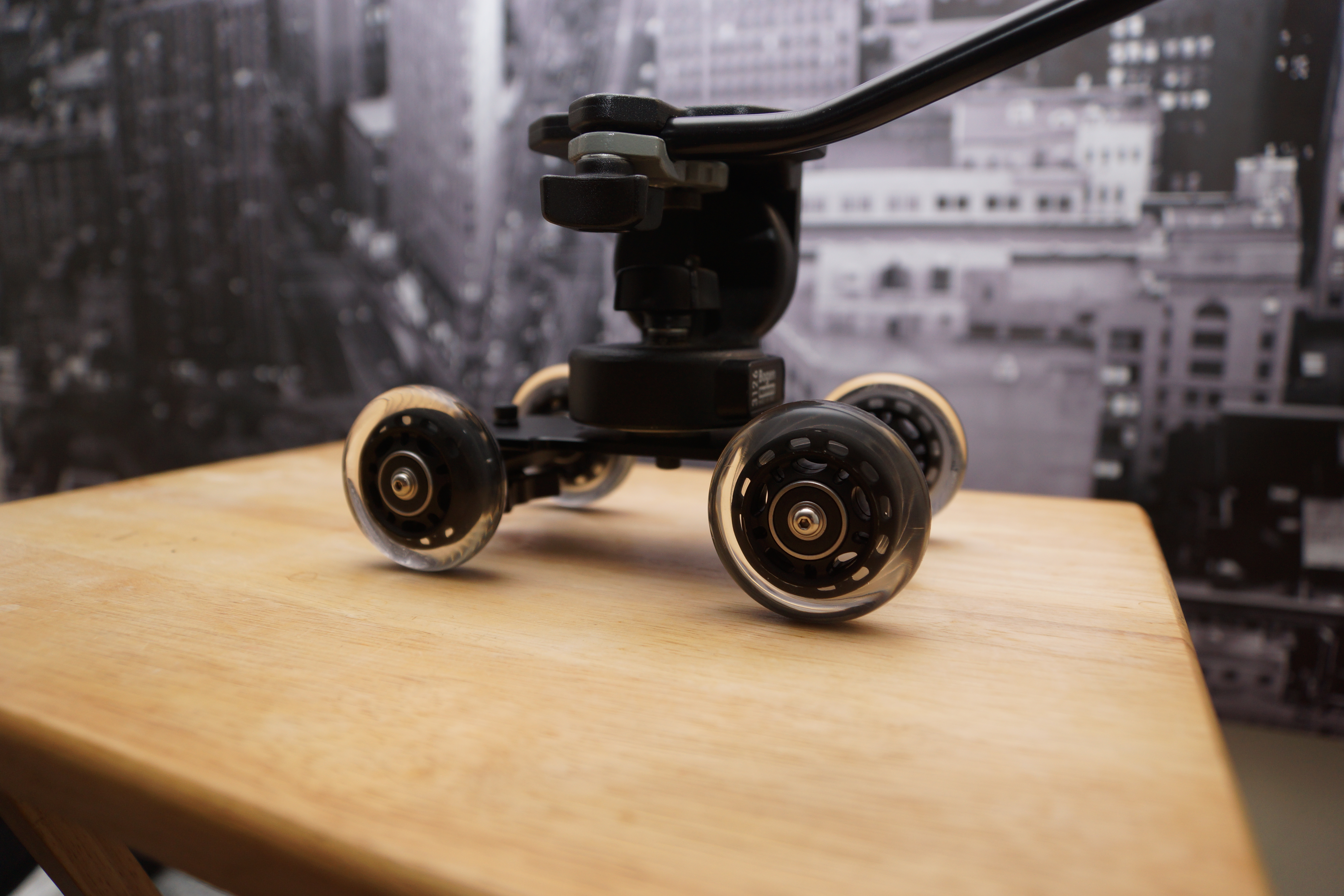
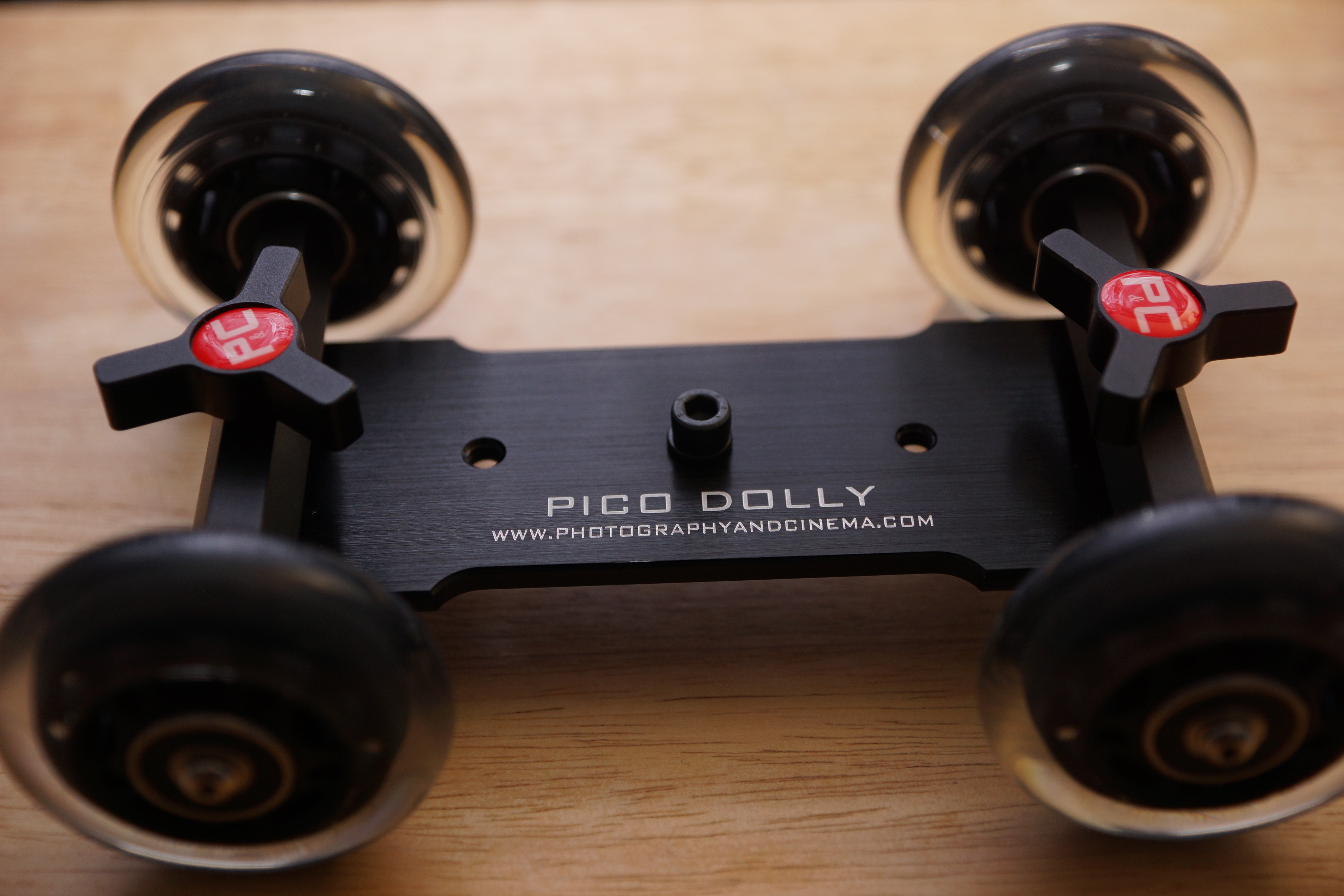
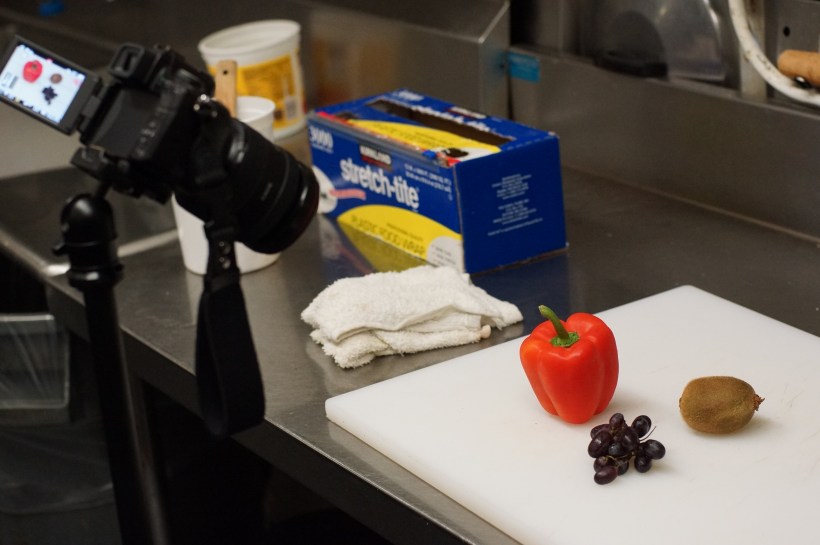
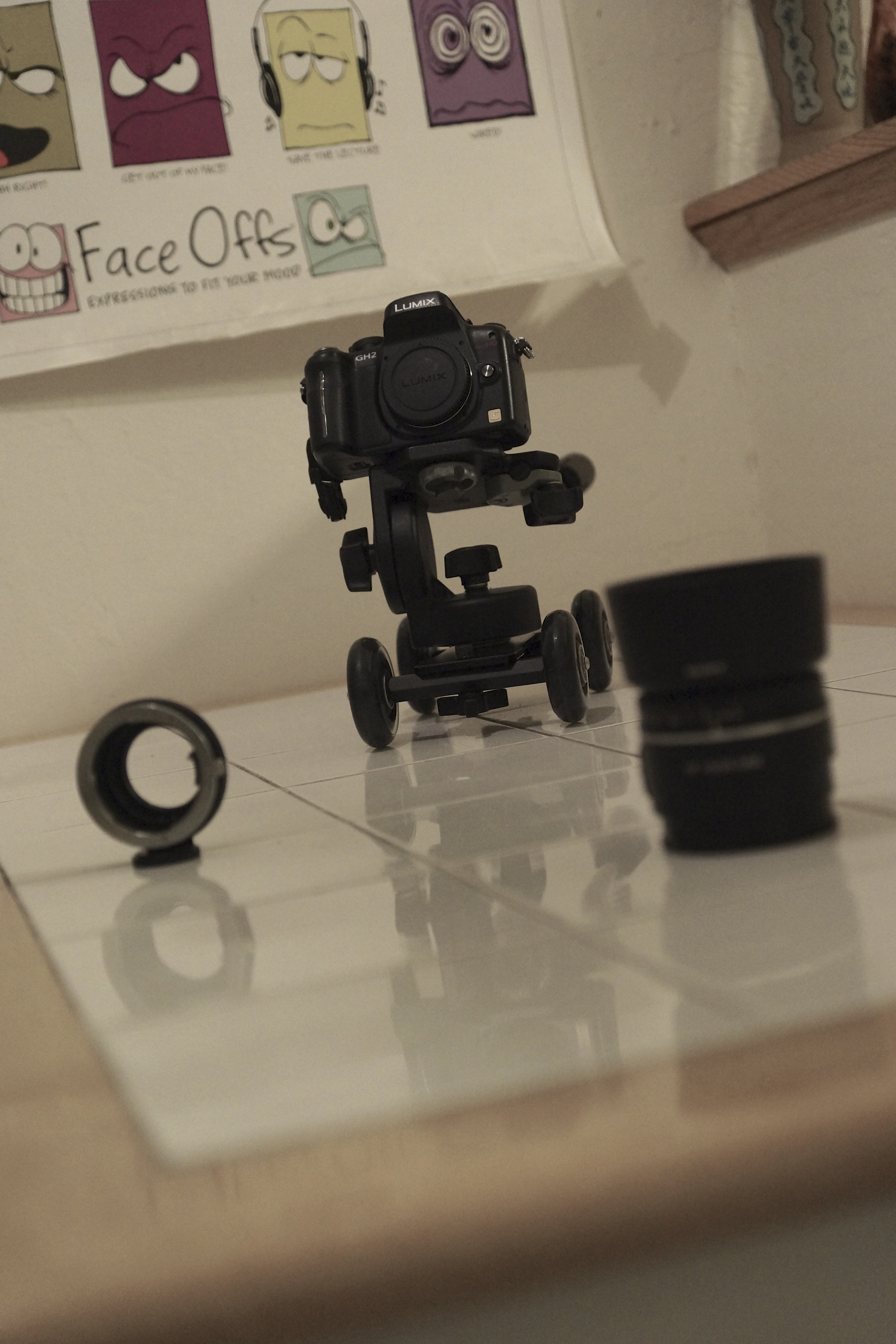
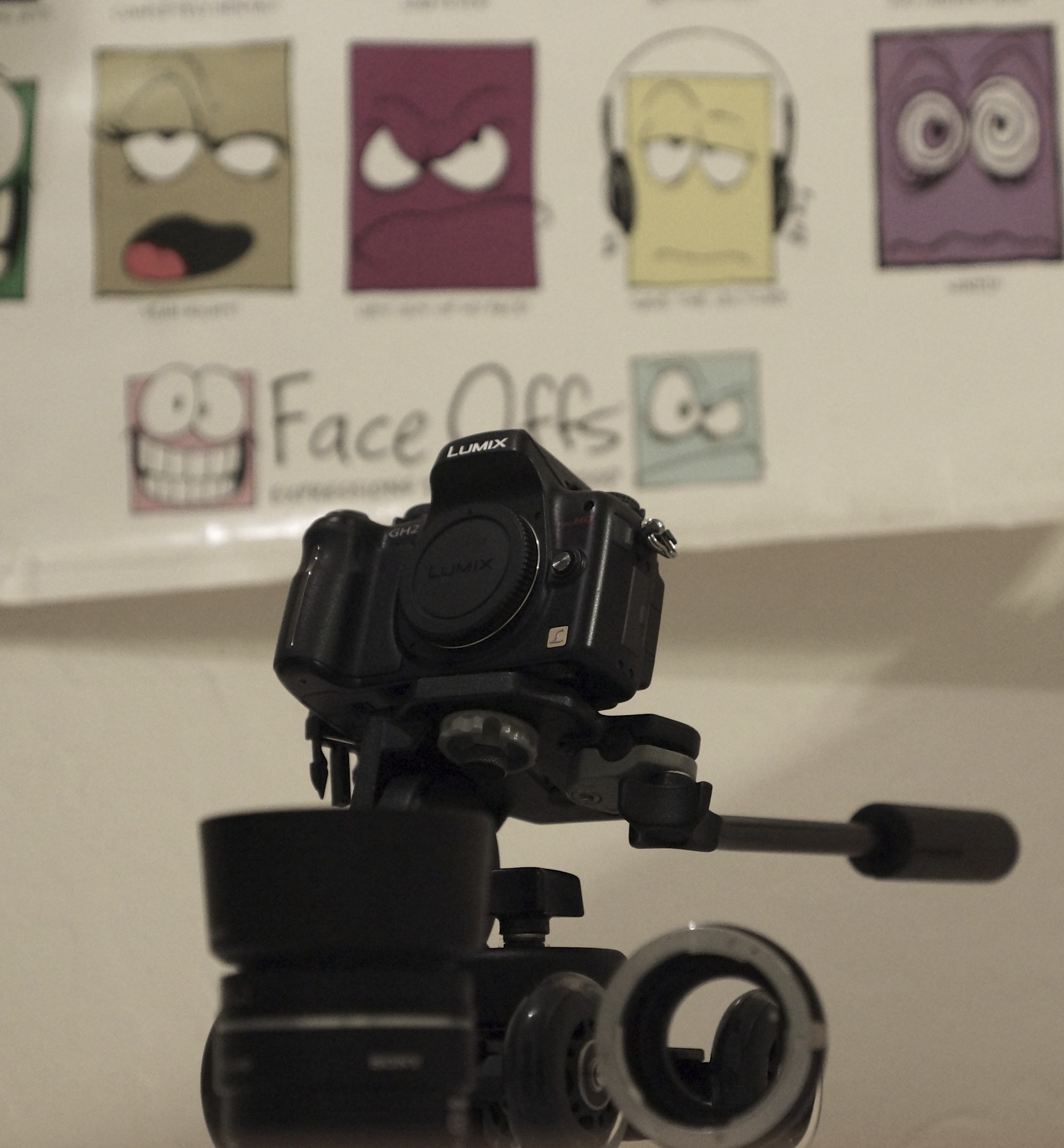
The Pico Dolly is pretty awesome . Sure you can probably DIY yourself something that functions similarly but I find tremendous value in the included flexible arm and universal shoe-to-tripod mount. The case is also convenient to have. The flexible arm does support the weight of a DSLR such as the a77 with 16-50 SSM lens but it does not inspire confidence and requires experimenting positions to get it to balance. Adjusting the wheels is fast and build quality is high.

In order to mount standard tripod heads a 1/4″ to 3/8″ adapter is required. You can find that here.


The dolly requires an extremely flat surface. In the following test you can see how some wooden tabletops create a less than smooth shot. This thing allows you you to be creative with your shots and gives you options beyond a standard slider.

Test:
http://youtu.be/C3uICGEhOjQ

A Painful Gain – Reviewing Sony a77’s Video

The a57 was a world opener for me. The video I was able to capture was remarkable and got my creative juices flowing. For inspiration I swallowed the addictive drug that is YouTube and Vimeo. I knew I needed more glass (lenses), faster glass (smaller f-stop) and wider glass (16mm or below on the aps-c crop). Sony makes a well-regarded 16 – 50mm f/2.8 lens (through the whole range!) with SSM that goes for $800. This is relatively cheap considering the Zeiss equivalent goes for $2000 and is universally agreed to be on the same level (minus the Sony’s being aps-c specific).  Ready to pull the trigger I found that they package this lens with Sony’s high end DSLT, for $1750 at my local camera shop.  In essence the $1,400 retail body would cost $950 since I was set on the lens. I put my beloved a57 on Craigslist. Enter the Sony a77.

On the surface I thought this would be a clear cut upgrade and there would be no remorse changing cameras. I get 24.3 megapixels over 16.1 (I know I said it didn’t matter but the option to do huge prints is nice), a three-hinged articulating screen over the a57’s troublesome two, oled vs lcd viewfinder, better colors and a weather-sealed magnesium allow body over the plastic one I got used to. I didn’t realize I was going to lose a few things along the way. First I lost light sensitivity. The megapixel crammed a77’s sensor doesn’t fare as well as the a57 in low-light high ISO situations and cannot go above 1600 in video mode. The a57 can do 3200, not great mind you but better than no video. The a57 has a focus magnifier in the digital zoom function that can aid manual focusing in video mode. The a77 does not, but they both have peaking (where focused areas are highlighted in red, white or yellow). It’s also substantially heavier, though good for durability, making long handheld shots a workout. Overall, I still consider the a77 a huge upgrade. Moving on.

I started to unknowingly pixel peep the videos that streamed to me from Vimeo. I compared them to the raw footage from my new a77 and wondered why I wasn’t seeing the same quality. I was semi-obsessed with how the Canon 7d (most relative price and build quality-wise to the Sony) had such clear images let alone the $500-700 range Rebel t2i, t3i, & t4i line. Let’s not get started on the hacked Panasonic GH2 which produces a $10k sharp image. I know you can take an iPhone and produce some excellent video. It’s up to the framing and story telling to make motion pictures captivating but I needed to know why my highly rated a77 wasn’t delivering the goods. I dug a little deeper.

It’s in the codec. Sony created the AVCHD standard tp avoid paying h.264 royalties to Apple. While the 2.0 version is highly efficient, the 4:2:0 and 24 mbps bitrate (4:2:2 in the Canons and upto 170mbps in a hacked GH2) doesn’t hold up well to color grading. Things can fall apart if pushed too far. The codec also macro blocks (creates large blocky screen artifacts) in blues and exposed blacks. Video is softer than the Canons and retains less detail than the GH2 as a result of downsampling that monstrous 24.3 megapixel sensor to 2mp (or 1080p). I started to get depressed at my investment.

Then I realized something about all the videos I was watching. Canon’s DSLRs have been out for about 3 years and Panasonic had the hack on the GH1 which came out two years ago. Professionals have been using these cameras. That means they had the right setup, knowhow and equipment (lighting is huge). The launch of the Sony a77 in August 2011 was hugely affected by the floods in Thailand and they didn’t become readily available until early this year. So all the videos out there were enthusiast-level but hardly professional studio filming. Upon further investigation, searching for raw video test footage from amateurs on the Canon Rebels-T3i yielded the same quality footage I was seeing out of my a77. I was a Sony enthusiast once more. This was a challenge.

Thanks to the Alpha SLT shooters across Vimeo and the people over at EOSHD I learned a few things. One was to shoot in Sunset mode with manual white balance (important otherwise the reds will be pushed). Sunset mode creates smoother gradients and exhibits less artifacts. TURN DRO OFF. Sony’s dynamic range optimizer is on by default and though it brings up shadows, it’s artifact happy. Try and get the picture the way you want it in camera and don’t rely on heavy fixes in post. I like to keep sharpness at 0 with whatever picture profile I shoot. -3 is the standard but the a77 is softer than the Canon’s and +3 yielded choppy aliasing. (after further testing I’d suggest -3 sharpness). If you’re shooting in auto set the max ISO to 800. If you’re shooting in 1080 60p and want to use autofocus, point to different lighting sources and toggle the ael button on when you 1/125 shutter speed. Rule of the thumb is to double the frame rate. So a 24p rate should have a 1/48 shutter speed. On a DSLR/SLT 1/50 and 1/125 are the closest you can get for 24p/60p respectively for the most eye-friendly motion. Combat low light with fast glass not higher ISO but you knew that. I use an old photoshop trick to get cleaner images by overlaying a copy of the video and setting opacity to 50% with a slight Gaussian blur in Final Cut Pro X. It gets better.

If you’re a Sony shooter and were wondering about the video, be happy. First off, I’m pixel peeping on a Retina Macbook display and all faults are null and void when outputting to a tv or projected. We have a lot things that other cameras don’t currently. In body electronic stabilization for video works great negating the need for expensive IS glass. Cheaper lenses, money saved. Although it crops part of the video image to give it room to stabilize it, you still get aps-c sized depth of field. 60 progressive frames at the full 1080p resolution means super clean slow motion. It’s as easy as dropping the footage in a 24p timeline and conforming the speed. No need for Twixtor, money saved. That translucent mirror that blocks a third of the light, giving us the high ISO problems, enables us to see what we’re filming through the OLED. No need to glue a view finder onto the lcd screen, money saved. The way the lcd screen articulates and focus peaking means you don’t need a separate monitor. Money saved. Now the Audio Gain Control is a nuisance but it does work well and the on board stereo mic is not bad for B or ambient audio. The SSM in the kit lens designates it as fast and silent. The AGC surprisingly doesn’t pick up the sounds this lens makes under normal conditions. I also find that if you yell (it’s silly) into the mic when you first hit record, it pushes the AGC down creating a better floor level. Combine that with the fast Alpha SLT-only phase detect auto focusing and it’s a great run-n-gun/sports event camera. The AVCHD 2.0 codec is efficient and you’ll probably end up spending less in SD cards and hard drives if you record a lot. The GH2 and Canon’s Full Frame Mark iii still provide better video but one requires hacking, the other costs three grand body-only. In the end, composition and framing will do a lot more for video than the tech behind it.

Oh yeah, it takes pictures too…

…here’s some test footage from the a77

http://youtu.be/hxxB7u3SpbY

Low Light, High ISO Workaround

ISO 6400 1/13 f2.8 50mm
Hand Held Twilight Mode: ISO 6400 1/10 f2.8 50mm

I’ve been shooting with the Sony a77 recently and, as expected, it’s low light performance is not great. The Sony a57, which costs half as much, outperforms Sony’s flagship a77 at noise sensitivity in low light. This is mostly due to the fact that it’s sensor is less cramped with megapixels (16.1 for the a57 vs. 24.3 in the a77) so you can add that to the mega pixel myth.

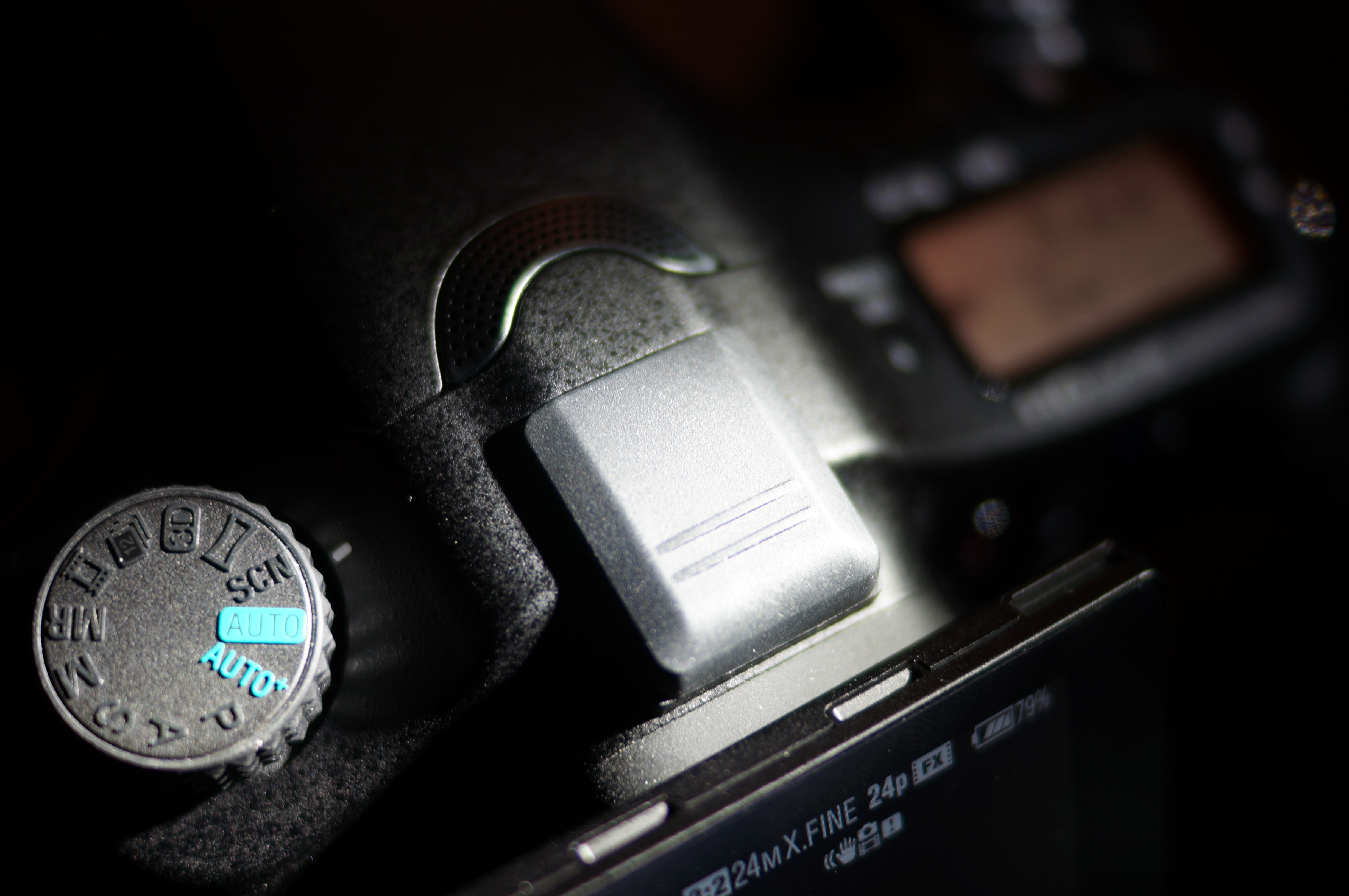
There is a workaround found in the a77 and the camera’s in Sony’s SLT line. It’s hand held twilight mode. You can find it as one of the scene options on the large dial. My first thought was that these options were nothing more than toyish features to be seldom used, but the hand held twilight mode was surprisingly useful. What it does is take 6 rapid pictures in succession and stacks them together to create a single image. You can also activate this in PASM modes by selecting Multiframe Noise Reduction which will do the same thing at your selected ISO.
As a side note, I’ve upgraded the firmware on the a77 to version 1.05 and can confirm that the dials and power on/off are much faster. There is zero lag switching shutter and aperture controls and hardly any delays when looking through the oled evf or activating from sleep. You can find it here. If you’re working on a Mac running Lion, like myself, you’ll have to restart the machine and hold down the 3 and the 2 keys on the keyboard to boot in 32-bit mode after you’ve downloaded the firmware. Once you restart your computer it will boot back into its default 64-bit state.

Standard
Hand Held Twilight

Sony Potato Salad

http://youtu.be/C3xhanbZlMQ

Rustic (ie Lazy) Potato Salad

Ingredients:
5 Potatoes
1 Red Onion (diced)
2 Stalks Celery (diced)
1 TB Dijon
4 TB Mayo
1/4 Cup Italian Dressing
4 tsp Salt
2 tsp pepper

Place potatoes in cold water and bring to a boil, this allows more even cooking. When a knife slides in and out easily the potatoes are done. Place in an ice bath, peel and chunk. Coat the potatoes in the italian dressing and give a minute for absorption. Add the rest of the ingredients and don’t over mix. Serve with your favorite garnish. Bon Ape Tit.

Moving stills

I was stuck in Palo Alto waiting for an appointment at the Genius Bar. With a couple of hours to kill, I took out my new Sony a57 to see what would happen. I learned a few things along the way …

…the built in mic under most circumstances is useful only as a reference to sync audio recorded from another source

…lots of CMOS wobble in handheld shots

…history lesson – image capturing sensors are either CMOS or CCD. CMOS is regarded as cheaper and arguably superior in taking photographs so it’s found in most DSLRs. Because of the lens selection, which can give a shallow depth of field and natively blur the foreground or background, digital SLRs became a popular choice for restricted budgets as a means of producing high quality film-like movies. the trade off is CMOS sensors have a tendency to make images look warped or rubbery when fast pans are used.

…I didn’t expect this much wobble just walking with it though. It may have to do with Sony’s in body stabilization which suspends the sensor and moves it to counteract hand shakiness.

…hand straps are better than the neck straps that come with cameras

….whenever you think your done recording wait another 10-15 seconds and try and give that same time before hand if your going to do some panning. the extra footage comes in handy for editing especially if transitions are going to be used.

…Sony and Panasonic helped create the AVCHD codec in which their cameras record. It’s pretty advanced and from what I can tell is part of the reason the resulting 28 mpbs avchd .mts files are comparable to a canon that records in 50 mbps .mp4. The downside are the .mts files don’t play well with Final Cut. So don’t drag all the files off the SD card onto a drive. Instead use the import from camera option in Final Cut. Something about keeping them in the camera created folders makes it easier for Final Cut to use the clips otherwise it’ll be an extra unnecessary step converting all the mts files into prores.

… 1080p (progressive) = 1,080 horizontal lines of resolution displayed all together. 1080i (interlaced) = 1,080 horizontal lines of resolution displayed alternately, so in actuality at any given frame your only seeing 540 lines or half of the 1,080 lines that make up that frame.

…1080p at 60 frames per second is not going to happen right now in Final Cut. The clips I shot at that quality were not useable in FCPX and was changed to 24 frames. I haven’t found a work around yet. 1080i at 60 frames works well though. 60 frames a second is desirable if one wants to slow motion things in post. The effect looks smoother since there are frames of information to work with.

…if you want that cinematic film look these are the things i would do to my camera settings. 1) 24 frames per second 2) lower saturation and contrast all the way – it’s easier to color grade in post 3) use a lens with an aperture of 3.5 or below – for that shallow depth of field, blurry goodness effect.

…the huge Microsoft Store is just wrong next to the tiny Apple Store. The huge empty Microsoft store is just right next to the packed tiny Apple Store.

…all of the above only helps to enhance. if there isn’t any thought into the composition or emotions than the greatest camera and editing really only dresses up poop. It’s still going to stink. Because it’s poop.

…I guess dressed up poop can be entertaining sometimes. So here’s some high resolution doo doo.

http://youtu.be/v1dbMlB2XHc