Melissa’s Story

Screen Shot 2013-02-21 at 7.37.13 PM

I’ve been working for the Be You Campaign over the past few months. So let’s get this out of the way, it’s so much nicer when work leads to good things for others. I believe that the founder, Tisa, is genuine in her drive to help others that are struggling. Whether it be from rape, cutting, or bullying. I recently saw the Bully documentary and it was dumbfounding. It’s sad and I’m glad that there are forums for this type of thing. I’m glad that I can be a part of such a forum.

Down to the nitty gritty. I shot this piece on a couple Canon cameras. For those that follow my blog, I’ve been an avid Sony supporter. From the a300 to the a57 to the a77. The natural progression would have been the a99. I was in the market for a full frame camera and the video results just didn’t cut it for me. Sorry Sony. The moire and aliasing, the lack of deep depth of field and responsiveness to sharpening made me look elsewhere. I had a GH2 and though it is superior to the 5d mark iii in resolved lines, I wanted the full frame look (to make shallow shots easier to achieve at more angles and distances) and good low-light. I’m able to shoot at 6400 with minimal noise, get shallow below 30mm and sharpen to ridiculous amounts in post.

The set-up I used was dual. I had a 7d on a monopod with a 50mm and ND. On sticks I had the 5d with the 17-40mm at f11. I captured audio through a lav attached to a Zoom H2 (forgot to hide the wire!!!!!) and had back-up with the Rode Video Mic Pro set to +20db connected to the 5d at a little past 0. Everything was shot with the CineStyle picture profile and graded within FCPX. The sparrows were added in post.

That’s pretty much it! I really enjoyed working with Melissa and she is a bright, young woman with a great attitude. We had to stop something like 8 times as people drove by because they knew her. So popular! I don’t have nearly as many friends. Very sad. Is it me? I might need help. What’s that website again?

www.beyoucampaign.com

You’re damn right I did.

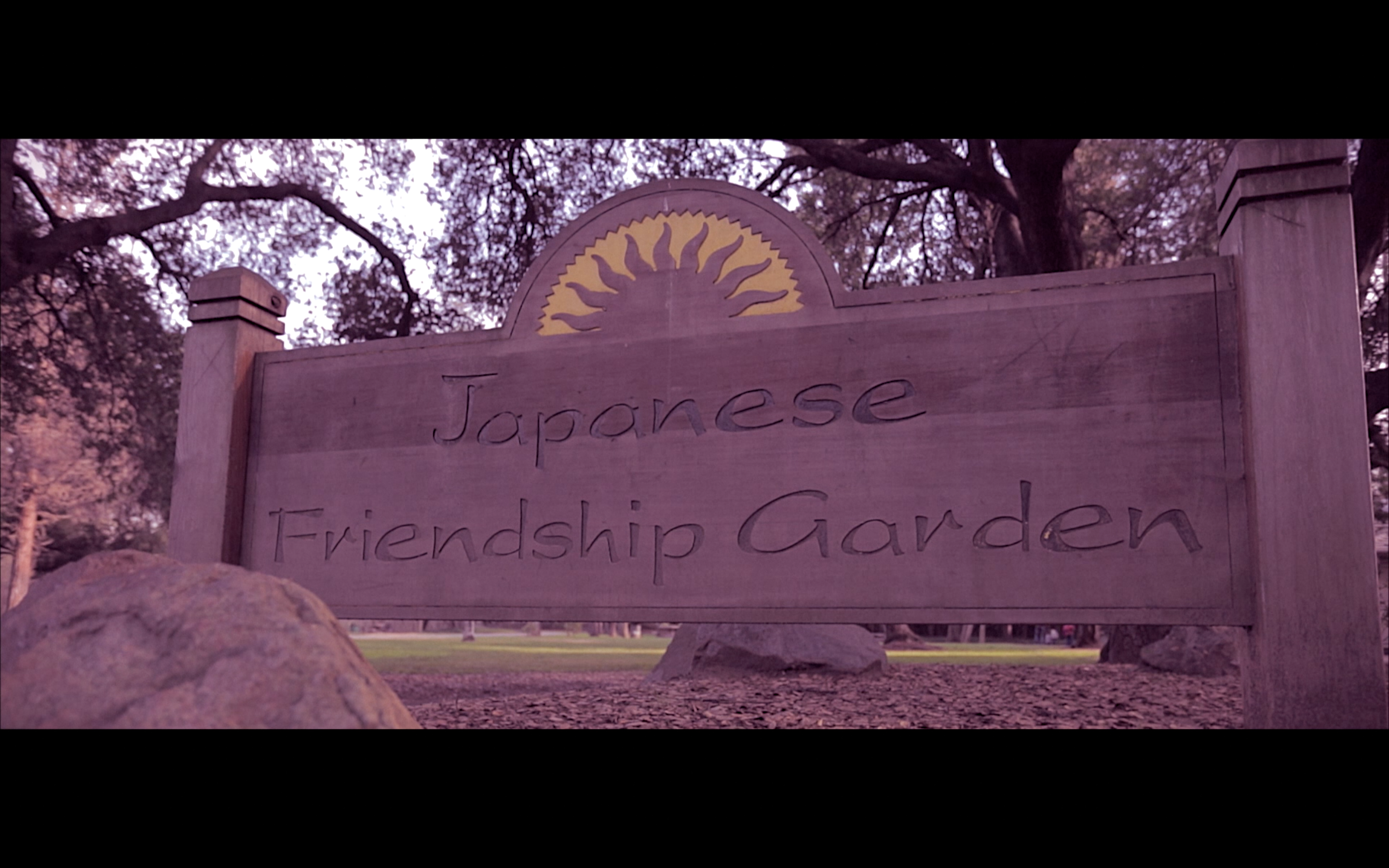
Japanese Friendship Garden, San Jose

Screen Shot 2013-02-17 at 4.15.38 PM

Was in town for a shoot at Kelley Park and had some unused footage of the Japanese Gardens. It’s a pretty cool location but can get noisy with kids. Lots of cameras too, I think I saw a few Sony’s out there! It’s a pretty quick edit in FCPX and I fear I might have entered a purple faze. Let’s hope the exit is around the corner.

A few shots were with the 7d and 70-200 2.8 is. Everything else was with the 5d and 17-40 f4. Slider shots were done with this. If you take your time you can get some super smooth shots (note: I didn’t and I think some of them were semi-silky)

FCPX 10.0.7 Quick Review

FCPX-icon

I came from Premiere Pro ages ago when Final Cut was the industry standard. When Apple decided to overhaul everything in FCPX, i jumped on board. It seems as though everyone went to CS6. The monthly membership to Adobe’s Cloud sounded supremely enticing but Final Cut Pro X worked well enough for me. I’m glad I stuck with it because whoa did 10.0.7 (apparently this happened with 10.0.6 but I was late to update) supercharge everything. Now I still have some issues with exporting FCPXML into DaVinci Resolve and it’s still NOT easy to go between Motion and Final Cut, but this truly feels like a pro editing piece of software now. Toss those “glorified iMovie” references out the window.

I’m somewhat distinguished for my speedy delivery. A huge reason is FCPX. Clip and audio syncing (no more Plural Eyes), magnetic timeline, and robust Color Board with Paste Attributes all help me deliver projects quickly. The Retina support also means I don’t have to rely on my Thunderbolt Display. Full HD in a small window with video scopes on. Wow!

I also use Western Digital’s 2 tb passport. With USB 3.0 on FCPX 10.0.4 things were choppy and sluggish. I would import everything onto the limited SSD in my Macbook and duplicate everything when the project was done. Rendering and transfering time is now cut in half because somehow after the upgrade, I can edit directly from the external harddrive. Of course when I stack 4-5 adjustment layers, I’ll see hiccups and the occasional spinning beach ball from color hell but it’s worth it and I remain extremely mobile.

Give it FCPX a shot!