UPDATE 8/1/12: Quicktime in Mountain Lion now supports AVCHD, great for Sony and Panasonic users out there!
Took the plunge and can report that wifi has not been a problem. Updating took 20 minutes and was simple. Redeeming the update from the App Store was fun. You have to wait for an email with a code to open a pdf with a new code that needs to be entered for redemption.
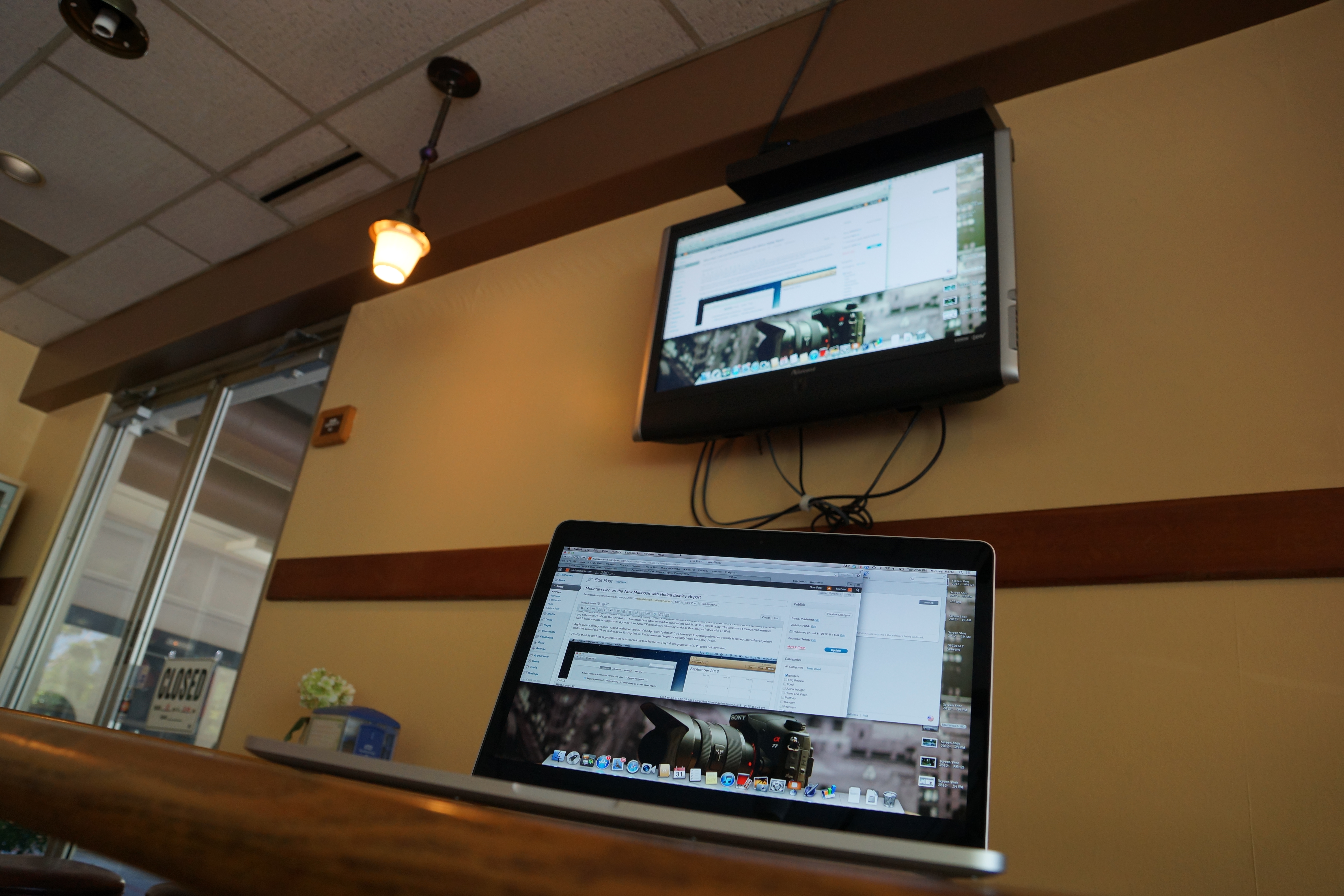
Everything is much faster, from scrolling and zooming through Safari and general internet speed has been quicker than Lion. I haven’t seen a spinning beachball yet, not even in Final Cut! The new Safari + Mountain Lion offers in window tab scrolling which I do find myself using. The dock is isn’t transparent anymore which looks modern in comparison. If you have an Apple TV then airplay mirroring works as flawlessly as it does with an iPad.
Apple doesn’t allow you to run apps downloaded outside of the App Store by default. You have to go to system preferences, security & privacy, and select anywhere under the general tab. There is already an SMC update for Retina users that improves stability issues from sleep/wake.
Finally, the fake stitching is gone from the calendar but the faux leather and digital torn pages remain. Progress not perfection.
Mountain Lion is available for download but I’ve been recommended to hold off for a few days until the wifi problem becomes a non-issue. Reports are that with the upgrade, wifi signal is apparent but data is not being transmitted. Ethernet connection is unaffected. However, there are still some nice updates for all Retina Macbook users. The complete iWork Suite is now Retina aware and it’s gorgeous. No more blurry text in pages! Aperture and Safari has been updated as well. You can now search in the address bar and things are pretty snappy.
I’m still looking forward to Mountain Lion. As a Retina user, my experience has had many hiccups. I’ve seen more spinning beachballs, especially when I’m using Final Cut Pro X, in the last month than I had in the two years I had my last Macbook Pro. Mountain Lion Potentially addresses some of these issues as scaling algorithms get worked out and work gets offloaded more onto the GPU.
Don’t forget to redeem your code if you’ve purchased a Mac after June 11, 2012 here.
Breaking News: Fake leather and stitching is still a part of OSX. Whoever is in charge of that needs to be tortured.
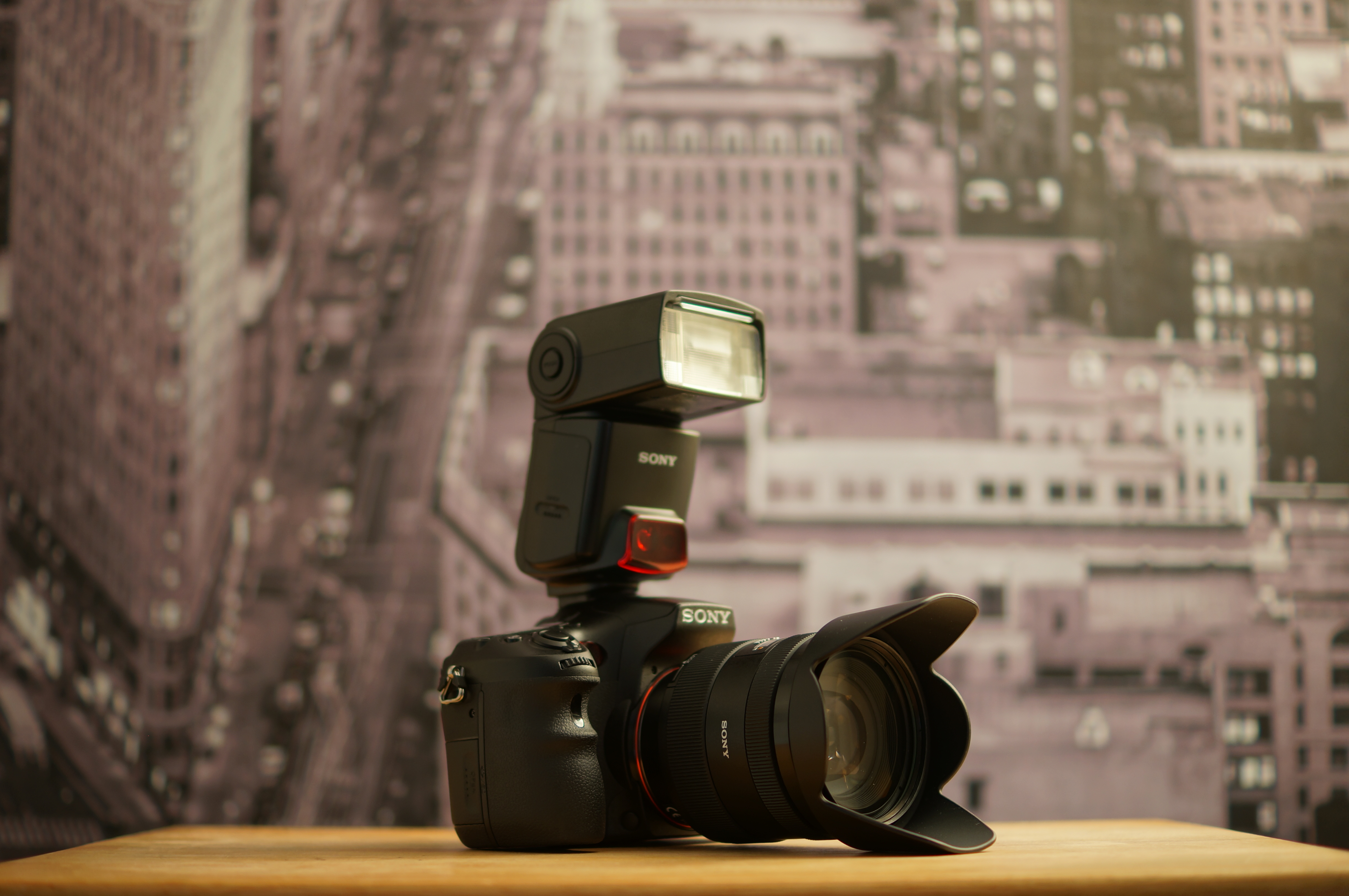
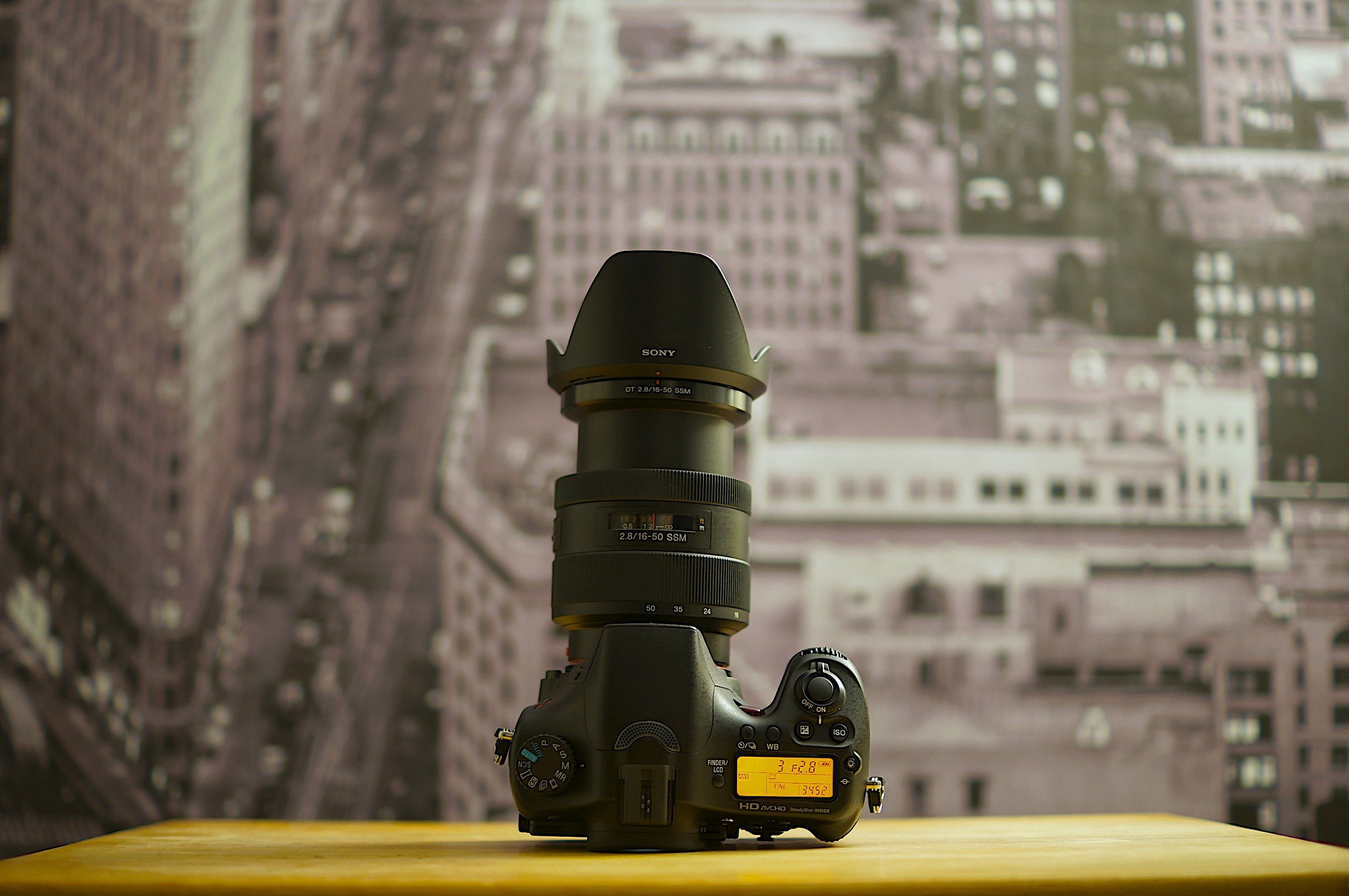
The a57 was a world opener for me. The video I was able to capture was remarkable and got my creative juices flowing. For inspiration I swallowed the addictive drug that is YouTube and Vimeo. I knew I needed more glass (lenses), faster glass (smaller f-stop) and wider glass (16mm or below on the aps-c crop). Sony makes a well-regarded 16 – 50mm f/2.8 lens (through the whole range!) with SSM that goes for $800. This is relatively cheap considering the Zeiss equivalent goes for $2000 and is universally agreed to be on the same level (minus the Sony’s being aps-c specific). Ready to pull the trigger I found that they package this lens with Sony’s high end DSLT, for $1750 at my local camera shop. In essence the $1,400 retail body would cost $950 since I was set on the lens. I put my beloved a57 on Craigslist. Enter the Sony a77.
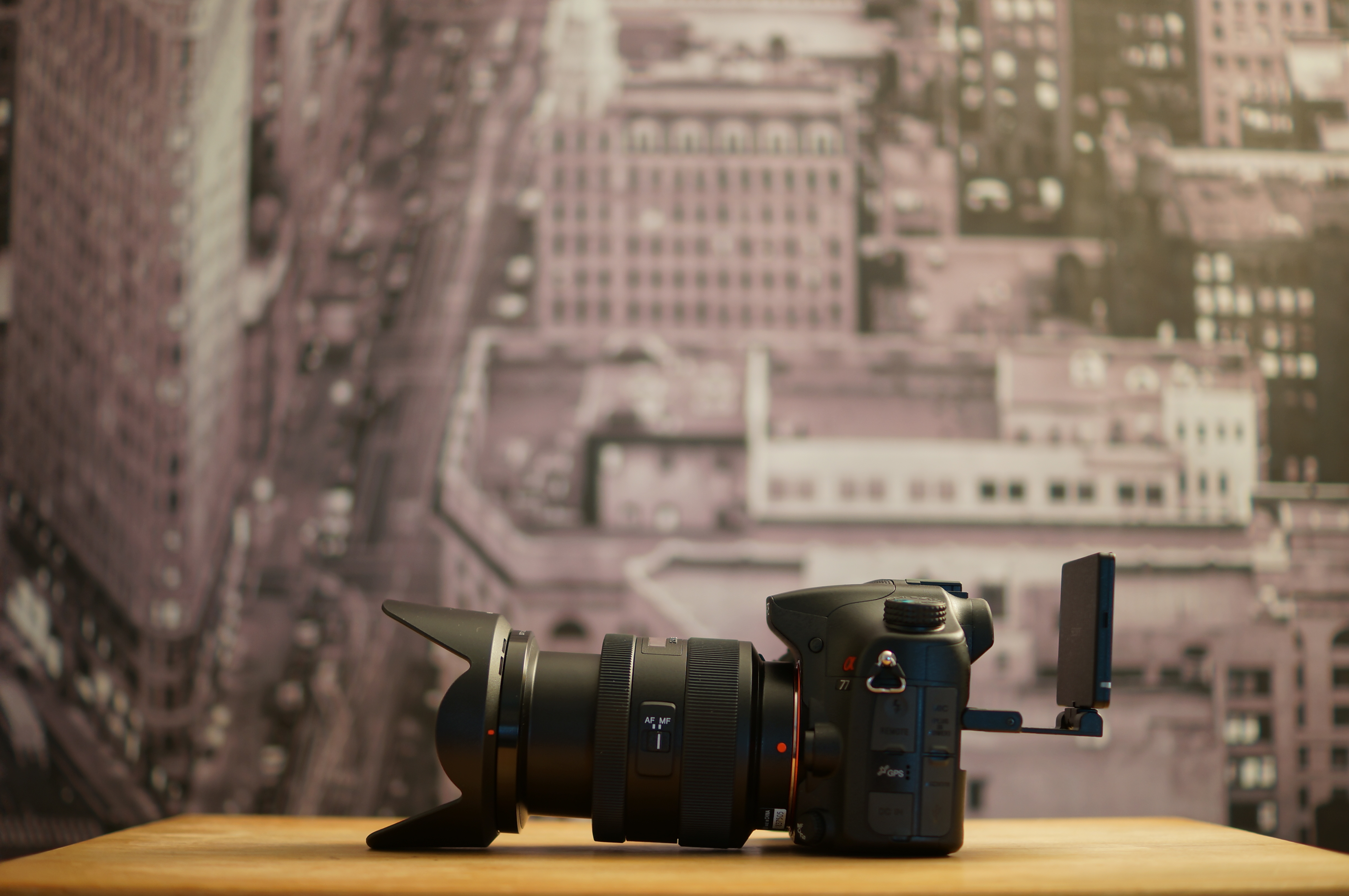
On the surface I thought this would be a clear cut upgrade and there would be no remorse changing cameras. I get 24.3 megapixels over 16.1 (I know I said it didn’t matter but the option to do huge prints is nice), a three-hinged articulating screen over the a57’s troublesome two, oled vs lcd viewfinder, better colors and a weather-sealed magnesium allow body over the plastic one I got used to. I didn’t realize I was going to lose a few things along the way. First I lost light sensitivity. The megapixel crammed a77’s sensor doesn’t fare as well as the a57 in low-light high ISO situations and cannot go above 1600 in video mode. The a57 can do 3200, not great mind you but better than no video. The a57 has a focus magnifier in the digital zoom function that can aid manual focusing in video mode. The a77 does not, but they both have peaking (where focused areas are highlighted in red, white or yellow). It’s also substantially heavier, though good for durability, making long handheld shots a workout. Overall, I still consider the a77 a huge upgrade. Moving on.
I started to unknowingly pixel peep the videos that streamed to me from Vimeo. I compared them to the raw footage from my new a77 and wondered why I wasn’t seeing the same quality. I was semi-obsessed with how the Canon 7d (most relative price and build quality-wise to the Sony) had such clear images let alone the $500-700 range Rebel t2i, t3i, & t4i line. Let’s not get started on the hacked Panasonic GH2 which produces a $10k sharp image. I know you can take an iPhone and produce some excellent video. It’s up to the framing and story telling to make motion pictures captivating but I needed to know why my highly rated a77 wasn’t delivering the goods. I dug a little deeper.
It’s in the codec. Sony created the AVCHD standard tp avoid paying h.264 royalties to Apple. While the 2.0 version is highly efficient, the 4:2:0 and 24 mbps bitrate (4:2:2 in the Canons and upto 170mbps in a hacked GH2) doesn’t hold up well to color grading. Things can fall apart if pushed too far. The codec also macro blocks (creates large blocky screen artifacts) in blues and exposed blacks. Video is softer than the Canons and retains less detail than the GH2 as a result of downsampling that monstrous 24.3 megapixel sensor to 2mp (or 1080p). I started to get depressed at my investment.
Then I realized something about all the videos I was watching. Canon’s DSLRs have been out for about 3 years and Panasonic had the hack on the GH1 which came out two years ago. Professionals have been using these cameras. That means they had the right setup, knowhow and equipment (lighting is huge). The launch of the Sony a77 in August 2011 was hugely affected by the floods in Thailand and they didn’t become readily available until early this year. So all the videos out there were enthusiast-level but hardly professional studio filming. Upon further investigation, searching for raw video test footage from amateurs on the Canon Rebels-T3i yielded the same quality footage I was seeing out of my a77. I was a Sony enthusiast once more. This was a challenge.
Thanks to the Alpha SLT shooters across Vimeo and the people over at EOSHD I learned a few things. One was to shoot in Sunset mode with manual white balance (important otherwise the reds will be pushed). Sunset mode creates smoother gradients and exhibits less artifacts. TURN DRO OFF. Sony’s dynamic range optimizer is on by default and though it brings up shadows, it’s artifact happy. Try and get the picture the way you want it in camera and don’t rely on heavy fixes in post. I like to keep sharpness at 0 with whatever picture profile I shoot. -3 is the standard but the a77 is softer than the Canon’s and +3 yielded choppy aliasing. (after further testing I’d suggest -3 sharpness). If you’re shooting in auto set the max ISO to 800. If you’re shooting in 1080 60p and want to use autofocus, point to different lighting sources and toggle the ael button on when you 1/125 shutter speed. Rule of the thumb is to double the frame rate. So a 24p rate should have a 1/48 shutter speed. On a DSLR/SLT 1/50 and 1/125 are the closest you can get for 24p/60p respectively for the most eye-friendly motion. Combat low light with fast glass not higher ISO but you knew that. I use an old photoshop trick to get cleaner images by overlaying a copy of the video and setting opacity to 50% with a slight Gaussian blur in Final Cut Pro X. It gets better.
If you’re a Sony shooter and were wondering about the video, be happy. First off, I’m pixel peeping on a Retina Macbook display and all faults are null and void when outputting to a tv or projected. We have a lot things that other cameras don’t currently. In body electronic stabilization for video works great negating the need for expensive IS glass. Cheaper lenses, money saved. Although it crops part of the video image to give it room to stabilize it, you still get aps-c sized depth of field. 60 progressive frames at the full 1080p resolution means super clean slow motion. It’s as easy as dropping the footage in a 24p timeline and conforming the speed. No need for Twixtor, money saved. That translucent mirror that blocks a third of the light, giving us the high ISO problems, enables us to see what we’re filming through the OLED. No need to glue a view finder onto the lcd screen, money saved. The way the lcd screen articulates and focus peaking means you don’t need a separate monitor. Money saved. Now the Audio Gain Control is a nuisance but it does work well and the on board stereo mic is not bad for B or ambient audio. The SSM in the kit lens designates it as fast and silent. The AGC surprisingly doesn’t pick up the sounds this lens makes under normal conditions. I also find that if you yell (it’s silly) into the mic when you first hit record, it pushes the AGC down creating a better floor level. Combine that with the fast Alpha SLT-only phase detect auto focusing and it’s a great run-n-gun/sports event camera. The AVCHD 2.0 codec is efficient and you’ll probably end up spending less in SD cards and hard drives if you record a lot. The GH2 and Canon’s Full Frame Mark iii still provide better video but one requires hacking, the other costs three grand body-only. In the end, composition and framing will do a lot more for video than the tech behind it.
ISO 6400 1/13 f2.8 50mmHand Held Twilight Mode: ISO 6400 1/10 f2.8 50mm
I’ve been shooting with the Sony a77 recently and, as expected, it’s low light performance is not great. The Sony a57, which costs half as much, outperforms Sony’s flagship a77 at noise sensitivity in low light. This is mostly due to the fact that it’s sensor is less cramped with megapixels (16.1 for the a57 vs. 24.3 in the a77) so you can add that to the mega pixel myth.
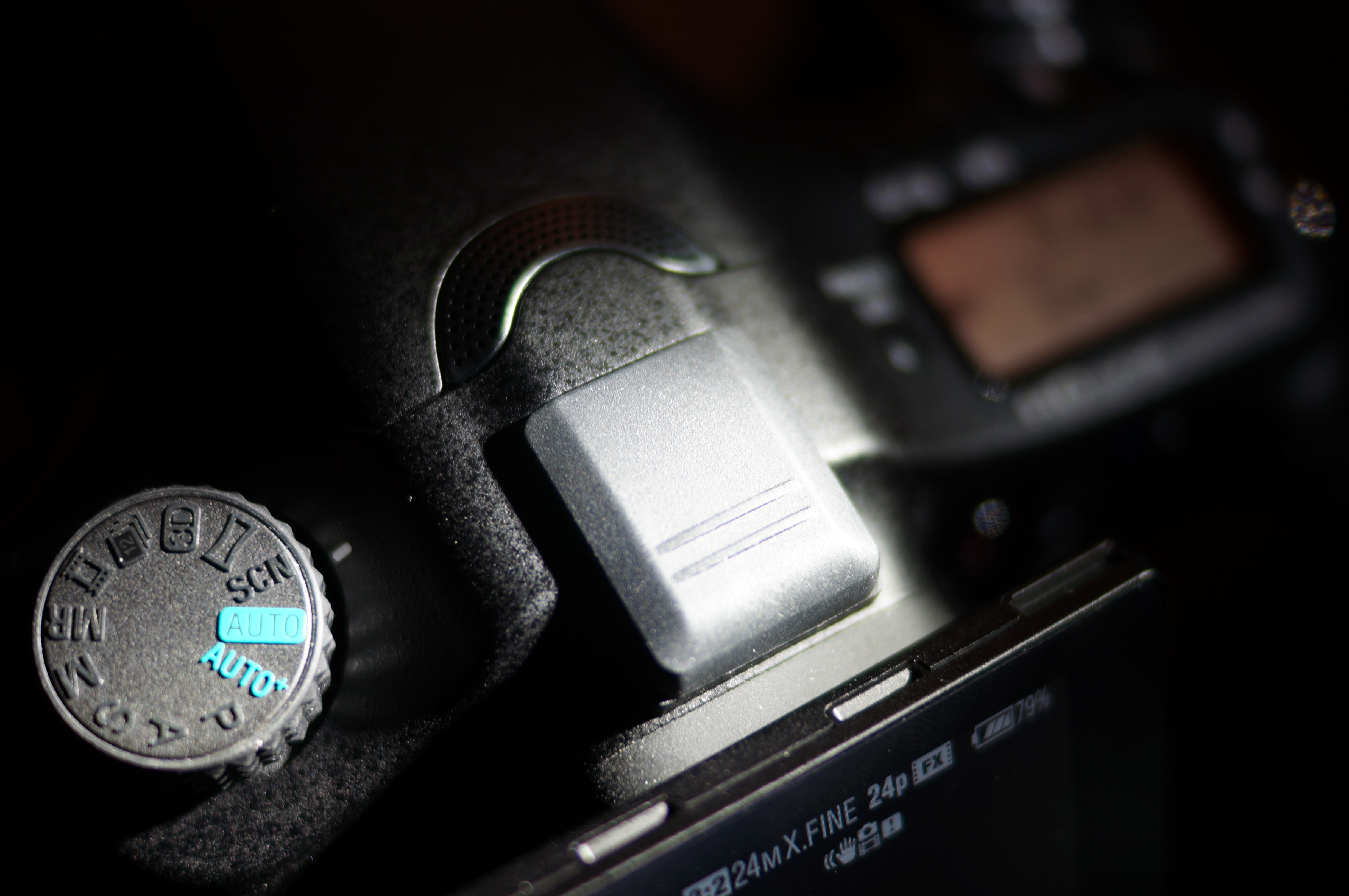
There is a workaround found in the a77 and the camera’s in Sony’s SLT line. It’s hand held twilight mode. You can find it as one of the scene options on the large dial. My first thought was that these options were nothing more than toyish features to be seldom used, but the hand held twilight mode was surprisingly useful. What it does is take 6 rapid pictures in succession and stacks them together to create a single image. You can also activate this in PASM modes by selecting Multiframe Noise Reduction which will do the same thing at your selected ISO.
As a side note, I’ve upgraded the firmware on the a77 to version 1.05 and can confirm that the dials and power on/off are much faster. There is zero lag switching shutter and aperture controls and hardly any delays when looking through the oled evf or activating from sleep. You can find it here. If you’re working on a Mac running Lion, like myself, you’ll have to restart the machine and hold down the 3 and the 2 keys on the keyboard to boot in 32-bit mode after you’ve downloaded the firmware. Once you restart your computer it will boot back into its default 64-bit state.
Ingredients:
5 Potatoes
1 Red Onion (diced)
2 Stalks Celery (diced)
1 TB Dijon
4 TB Mayo
1/4 Cup Italian Dressing
4 tsp Salt
2 tsp pepper
Place potatoes in cold water and bring to a boil, this allows more even cooking. When a knife slides in and out easily the potatoes are done. Place in an ice bath, peel and chunk. Coat the potatoes in the italian dressing and give a minute for absorption. Add the rest of the ingredients and don’t over mix. Serve with your favorite garnish. Bon Ape Tit.
After many tests I accepted the fact I have to capture audio on a seperate device.
I’ve had to make affiliations for the better part of my life. I went with Sega when my cousins had Nintendo as their console of choice. I stuck with the now software-only video game company as they released the Master System, Genesis, Sega CD and 32x. Yes I had all of those systems. No, I don’t regret it. Really. I had yet another choice when the Saturn was to launch against a heavily hyped upstart in Sony’s PlayStation brand. I went out and dropped $599 on Sega’s 32-bit Saturn, wrote an article for the school paper and convinced a handful of people to hop on the Sega Bandwagon. We were a lonely bunch. Yes, I regret that. I was a Warrior fan when they traded Chris Weber for Tom Gugliotta and stuck with them through the Sprewell choke and Mookie playing hooky. Let me use that HD DVD as a frisbee because I’m popping in a BluRay. Give me WCW not the “Hitman” headlined WWF. I will supply you with charts and graphs if you tell me a PC is better than an Apple. And if I could take a picture of your face right now, it won’t be with a Canon or Nikon.
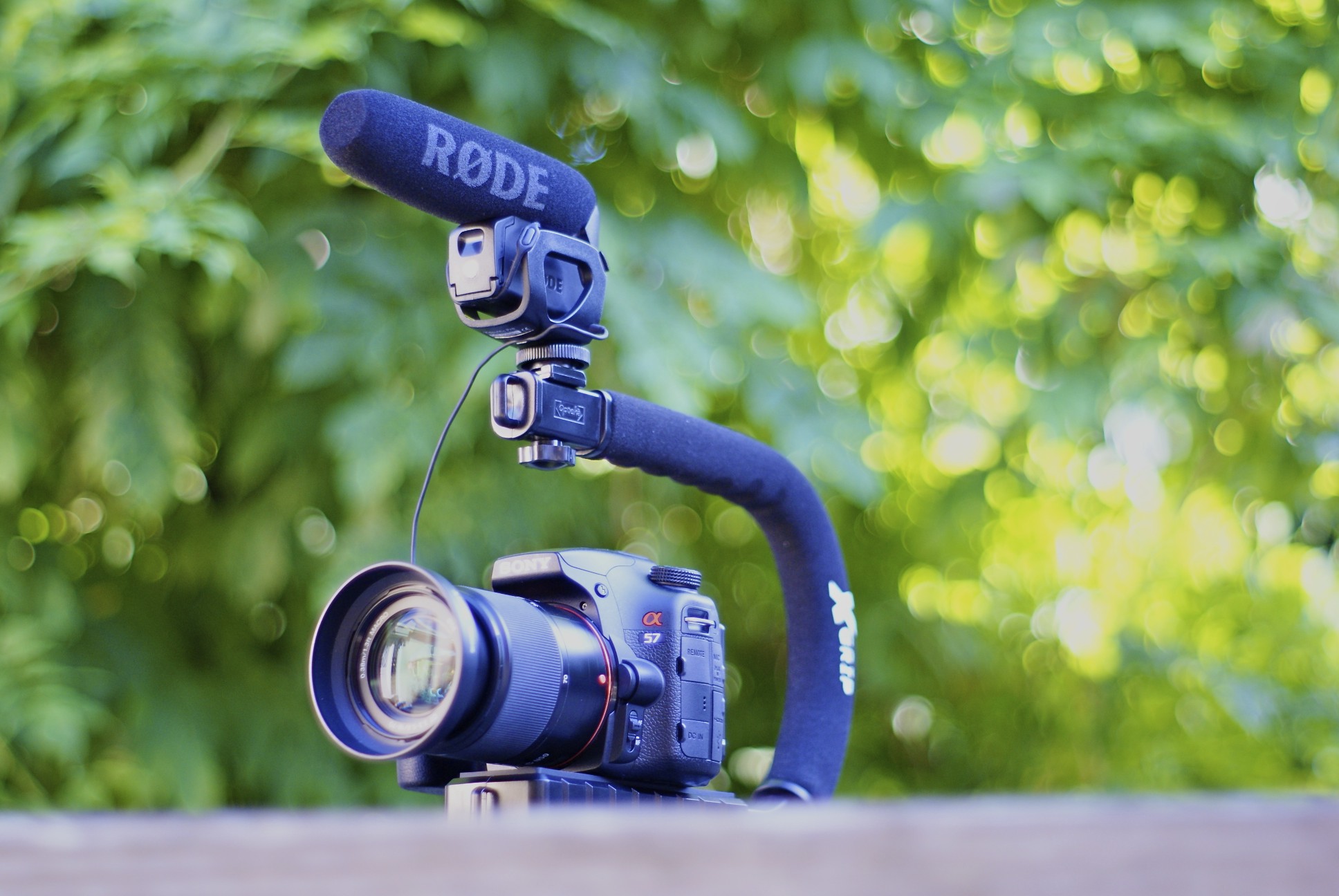
I’ve made my affiliation, for better or worse, with the Sony line of cameras. I’m loyal to them. Which is too bad, because they frustrate the hell outta me. That proprietary hot shoe is a nuisance causing me to seek obscure adapters through eBay in order to mount a simple microphone. Speaking of which, an external microphone on a Sony Alpha Camera or Nex Camcorder is a moot point because of AGC. Auto Gain Control (AGC) is the only option you have when recording audio on a Sony Camera. It means that it determines for you how sensitive the mic is. So in a noisy environment, it’ll crank the levels down so you don’t pop any speakers on playback. In a quiet environment it will push the levels up as it searches for some kind of audio to record. That’s when the real problems occur as it’ll pick up and amplify the lens motor noise and just render the audio useless. AGC will also introduce a faint humming in the background that screams amateur which is not what you want if you plop $2,000 on the a77 or Nex-VG20. It doesn’t matter if you mount an external microphone, all those unwanted noises will be picked up and recorded on the audio track.
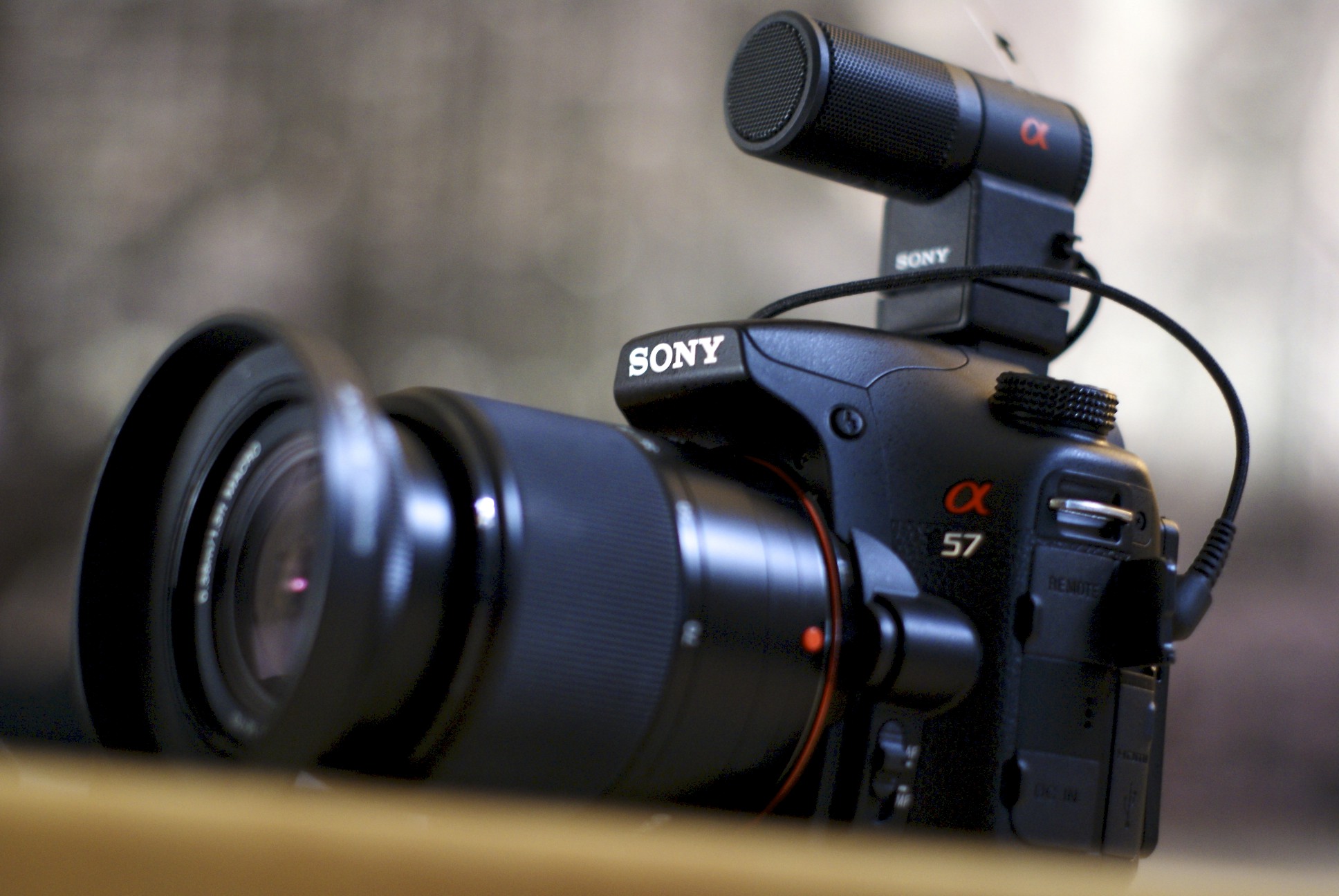
You would think Sony’s algorithm when designing this SLT specific external microphone would cancel out lens noise. It helps but not enough to make usable audio. I personally could not tell the difference from the onboard mic when sound was placed directly in front of the camera.
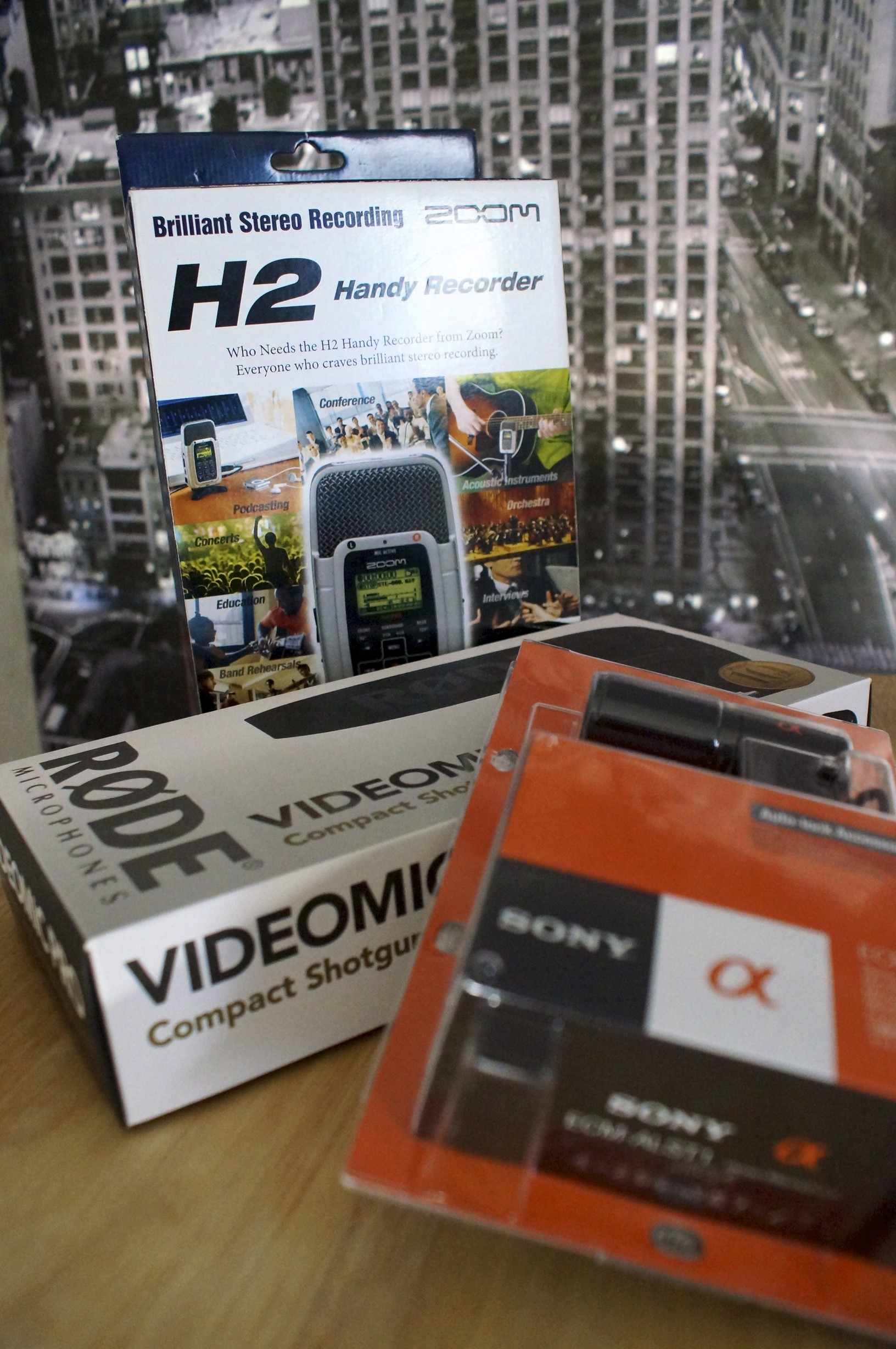
Unfortunately, Canon saw this as a problem and have fixed their line of cameras through firmware updates. 3rd parties introduced Magic Lantern that gave Canon DSLR users full audio control. Nearly two years ago! The a57, a37 and a77 came out months ago and Sony chose not to address these issues. You can bypass picking up lens noise by focusing manually of course but then you can’t utilize the major selling point of the Sony’s SLT line with their blazingly fast phase detection auto focusing. I’ve tried the Rode Video Mic Pro and Sony’s own ECM-ALST1. They both suck on my a57 because they not only pick up but amplify lens motor noise.
Now most pros will record audio separately anyways. This gives them a second audio track, which is handy to have so one can serve as a back up, and the ability to control/monitor audio feeds. Something like the Zoom H2, which I use, can record audio and be synced to match the video later in post. It adds a wrench to workflow but the results are usually better than recording off a shotgun plugged into a camera, manual gain or not. But in ENG or run-n-gun type situations this won’t be an option and it’s no wonder paid work is usually done on a Canon or Nikon if shot with a DSLR. On the bright side, Sony’s xx7 line of cameras have a pretty good onboard stereo mic that makes syncing in post easier.
Rode is a standard for prosumer audio mics. This shotgun has -10db, 0 and +20db settings and they all stink on the Sony because AGC will crank up until it finds something. Usually, you guessed it – lens noise. Maybe silent films is the way to go. “The Artist” did well this year, yes?
If Sony’s history says anything then Alpha/Nex users cannot look forward to a firmware update to resolve this issue. Sony does pay attention but they usually address them in the form of a new product. It’s a shame. Audio is important, it’s 50% of the experience. You can usually take a shitty video track and with good audio, make it usable. It doesn’t work the other way around. Delving into video production has given me this unnecessary headache but I’ve made my affiliation. Hey, Sega turned out alright, right?
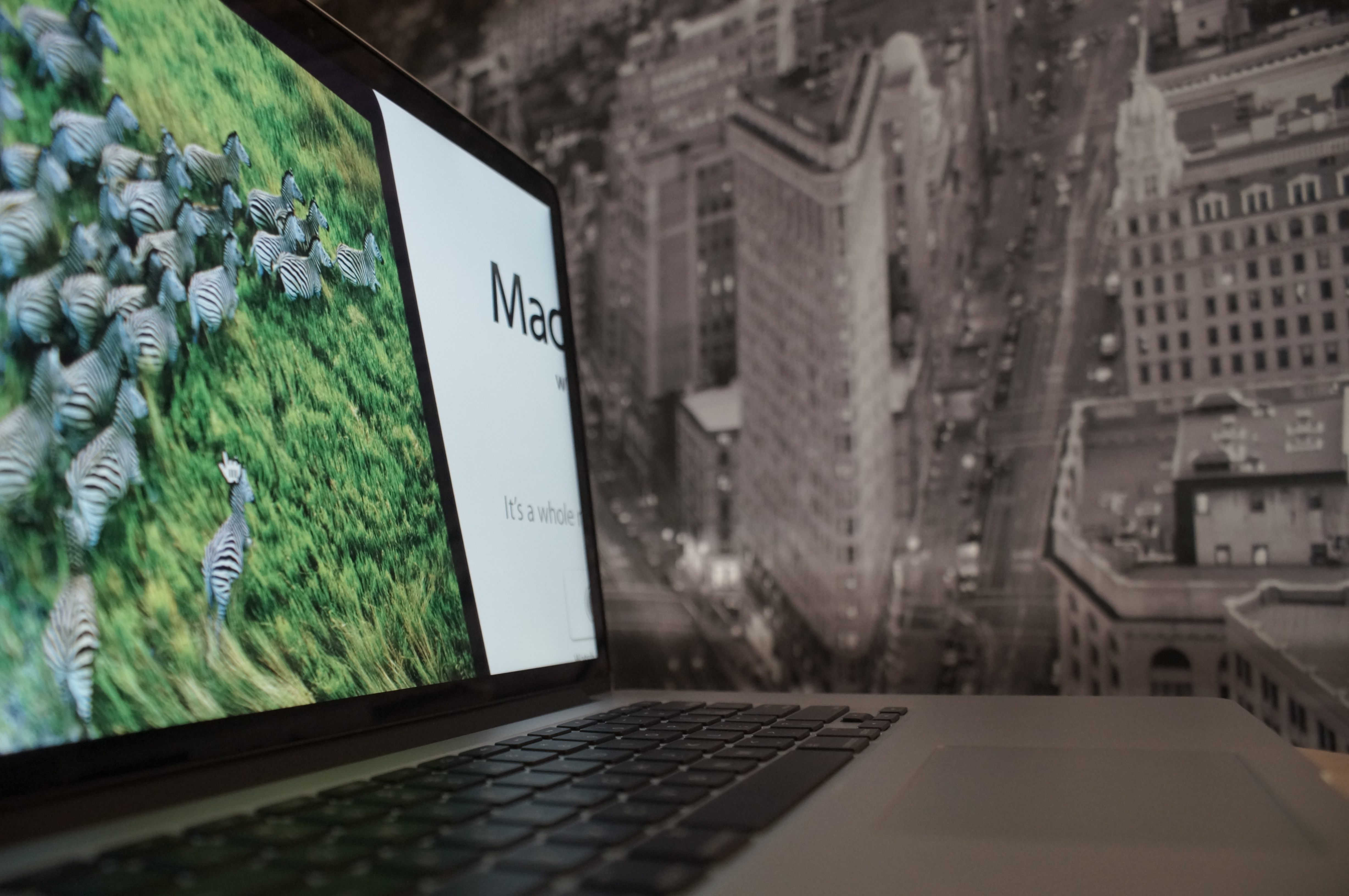
There is only one Macbook Pro to consider getting this season and it’s the Retina Version. The question is if you need to. I’ve had enough time to exploit some real flaws of Apple’s new water cooler hit but make no mistake that I do believe that this is the best Mac ever. Now, let’s see if you need it.
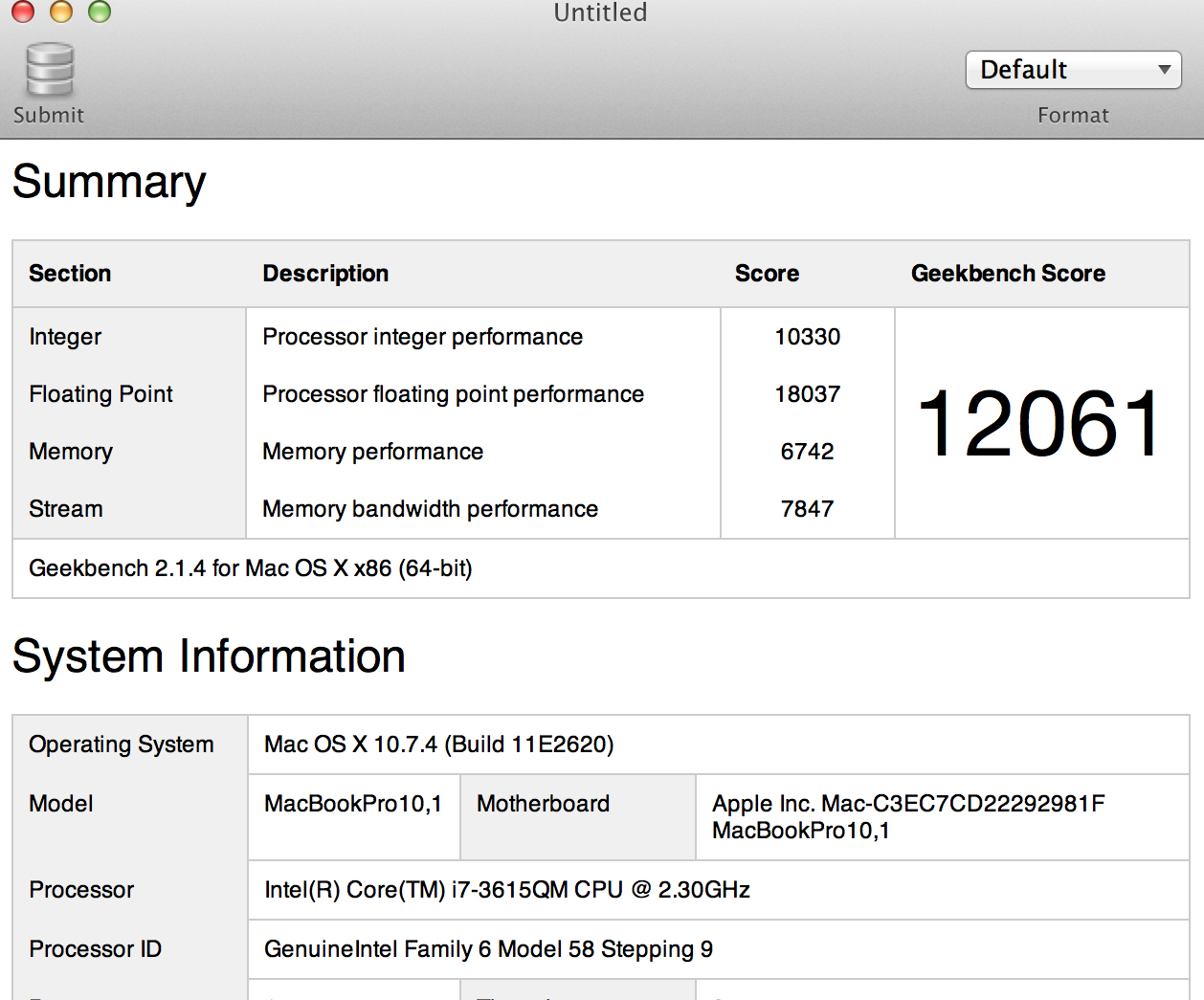
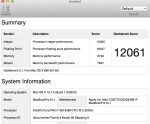
The Macbook Pro Retina (MBPr) is a powerful machine loaded with the best combination of power and mobility. The base 2.3 ghz Ivy Bridge CPU is a beast capable of netting a Geekbench 64-bit score of 12,061 in my test and for some perspective there is not a desktop iMac on the list that scores higher. The Kepler nVidia GT 650m is clocked higher and has more memory than the new non-retina models that help it display that 5 megapixel or 2880 x 1900 screen. It’s also capable of driving 4 external monitors via 2 thunderbolt, 1 hdmi (a first for Apple) and it’s own. Newer games can run at the full resolution though expect frame rates to hover around 20fps at medium settings. I’ve loaded up Modern Warfare and Borderlands and this machine barely breaks a sweat at my old Macbook Pro’s resolution of 1440 x 900. It uses ram that’s twice as fast as previous models and the Samsung SSD (with probably to best/most stable controller for a Macbook) is also twice as fast as the Toshiba SSD Apple installed on my last Macbook Pro. The bottom line is this one of the most powerful computers period, consumer desktops included.
Do you need that power? To be honest, up until I started editing video in Final Cut, my last Macbook Pro was more computer than I needed. Any Macbook with a Core Series Intel chip and 4gb of ram will easily handle word processing, Photoshop, Aperture, and 1080p streaming. If the Macbook has a solid state drive like my old MBP then the system as a whole will feel lightening quick and iPad like with instant wake from sleep and a sub 18 second boot time. My move was going to be, and the one I would recommend if you have a similar workload, getting a Core Series Macbook Air.
Do you need to render HD videos longer that 5 minutes or pixel rich RAW images? When I began doing just that my 2010 Core i7 Macbook Pro would take nearly an hour to export a 10 minute video clip and the machine got hot as it was also pushing a 27 inch Cinema Display. It lagged even more if I wanted to stream Netflix while I waited for the video to finish. My machine was a first generation i7 with a dual core chip. All Macbook Airs at this point have dual core cpus, so expect similar export times and the eventual need for a Pro model. You can also eliminate the 13 inch version of the Macbook Pro as that’s a dual core as well. Ultimately, if you edit videos you’re looking at the 15 inch Macbook Pro that sport quad-core cpus.
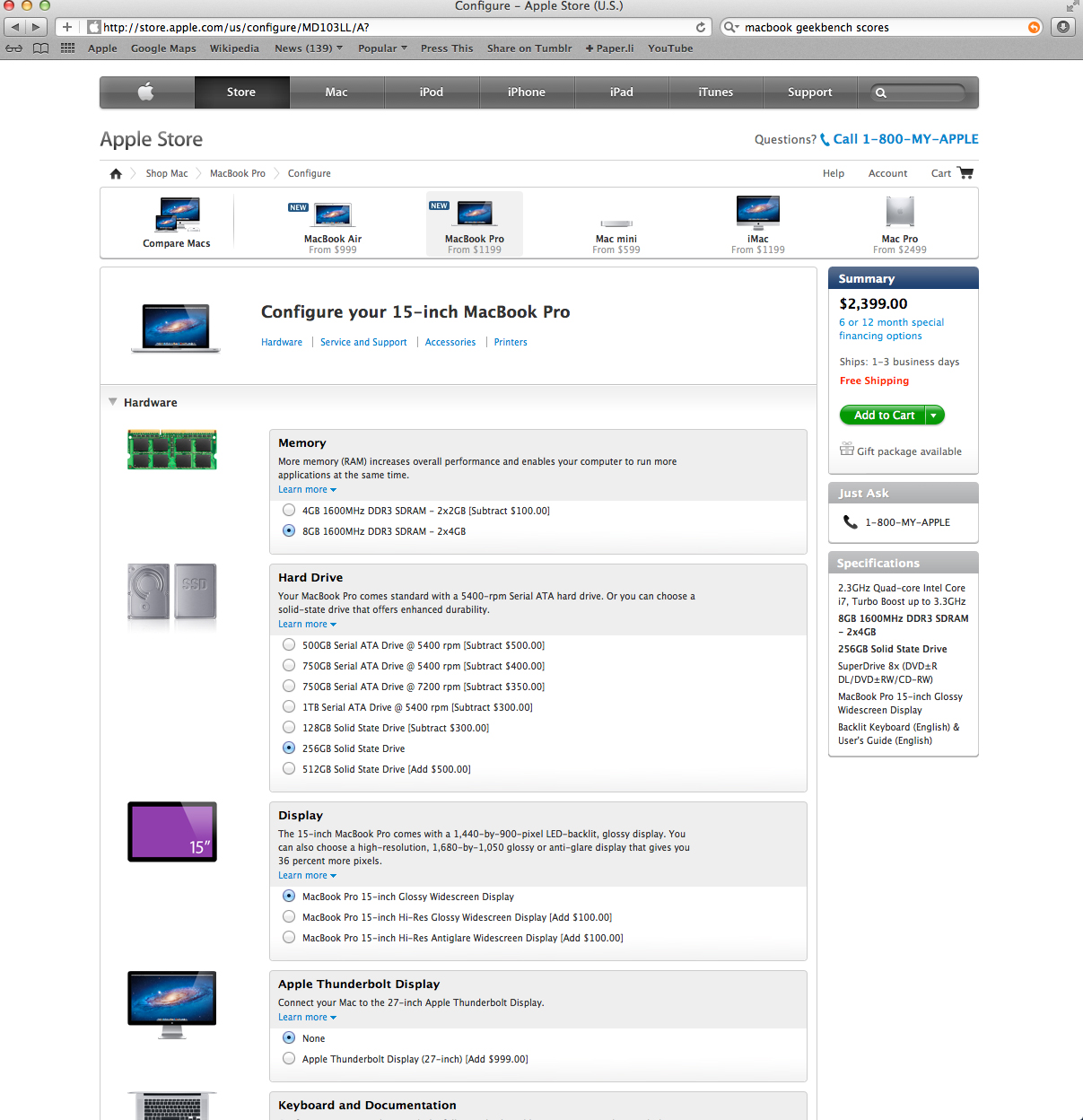
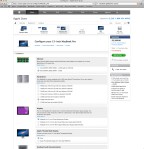
Did you know that the Macbook Pro Retina is the cheapest 15 inch Macbook Pro you can buy new? Let’s give this a walk through with the base models. SSD’s are the future of all computer storage so now or later you’ll have one. Besides that it’s the single greatest upgrade you can do for your computer. Plus 4gb ram is pushing it and becomes a bottle neck if you edit videos and large file photos. So a conservative 256gb SSD and 8gb ram upgrade from Apple will cost you $450 added to the $1799 base price, which come standard on the base model Retina version. So for $2399 you get a machine that’s slower (MBPr nVidia GPU is clocked 275 ghz higher with 512 mb more memory) and doesn’t have the Retina Display. Suddenly, that $2199 price tag for the Macbook Pro Retina looks more than reasonable, it looks good. Now you do lose the superdrive, gigabit ethernet, firewire 800 and future expandability/repairability (iFixit rates it 7/10 MBP and 1/10 MBPr, higher the better) but you do gain a sleeker design that runs significantly cooler. You can also buy an external super drive for $79 and a thunderbolt-to-ethernet adapter for $29, still putting you below a similar specced non-Retina MBP.
Sandy Bridge, Ivy Bridge, Haswell, Broadwell, and beyond. Sandy was a tick. a huge step forward for mobile computing basically doubling what was capable before as the first quad-core CPU to fit inside a Mac 15 inches or larger. Ivy is a tock, which takes Sandy and gives it a die shrink making it more power efficient. Intel has mapped out this tick tock sequence well into the future so we know a few things. We know the ticks are the major updates, the one that changes the game. We know Haswell is the next tick. We know Apple and Steve Jobs had been pushing Intel to get Intel into mobile GPUs, even threatening to run it’s own ARM processor at the Macbook Level. The Ivy Bridge CPU and it’s integrated GPU are still joined as two separate islands on one board. Haswell looks to have significantly increase internal graphics performance while residing on the same “island” as the CPU. This leaves extra space for a larger battery. Speaking of, battery life is the significant leap that makes Haswell the next “tick.” We’re talking 24 hour battery life, 10 days connected standby time, and general iPad-like charging is an after thought. Intel’s recent demo showed the Haswell chip running of the illumination from a single light bulb. It dispenses more power than what’s needed for it to run. If you have anything prior to Sandy Bridge, then upgrade away, this Ivy Bridge Macbook Pro Retina is going to be an unbelievably powerful machine to you. If you do have a Sandy Bridge then you might as well wait for the next release as they get more powerful, run for much longer without a charge and run without all the quirks of this year’s model.
On one hand, I’m indecisive; but on the other, I’m not. Rehab is for quitters. The best Mac ever made has a lot of problems. The Retina display is the much ballyhooed feature of the this “next generation” Macbook. Why does Apple give it this nick name? Why aren’t they available across the board of Macbook Products? Well, Apple new it was going to be costly and they knew the IPS panels themselves are hard to make. It’s also the major culprit of performance issues. There are numerous reports of consumers seeing image ghosting where the residual outline of say Safari will remain on the screen upwards of 5 minutes. My personal performance experience was more pleasant with my older Macbook for everything but Video encoding. The current hardware is supremely powerful by today’s standards but those bars didn’t factor in driving a 2880 x 1800 display. This results in laggy web browsing as it has to load and then redraw pages. You get barely playable frame rates at full resolution with games like Diablo 3 and you want to because 2880 x 1800 is just stunning. There just aren’t enough things that take advantage of it as Developers are making a miserable turn scrambling to find scaling algorithms that make sense when factoring in a Retina Display. Apple’s own iWork Suite lacks Retina support and looks fugly upon close inspection. Scrolling and zooming on a web page now becomes CPU intensive and results in a less than smooth experience. I’ve also seen the spinning beach ball more times in the past week than I did in the year and a half I owned my last Macbook. Final Cut Pro X crashed twice on me. The screen is also dim. I used to be able to work with brightness set to half and now I have no choice but to go full brightness during the day on my MBPr. So though the Ivy Bridge CPU is more power efficient than last years model, the fact that more of it, along with the the GPU, is being stressed to push a display that needs to be set at full brightness results in 5 hour battery life under a diet of youtube, word processing and light photo editing. You can get over 7 hours in a non-retina version and the Macbook Airs. Mountain Lion will address many of these issues on the software side utilizing more of the GPU and Haswell should clear up any hardware throttles, so it seems Apple had a purpose in designating it the “next generation” Macbook as it’s not really ready to exist now.
So it’s the best Mac ever made? It is. The design, while subtle, harbors enough changes that makes working with it for a full day a significantly better experience than the old model. It’s thinner yes, but it feel more solid, with the old one’s feeling like I had lots of empty space between my hands. The screen is gorgeous with apps that utilize it. It’s a glimpse at resolution independence. If everything was displayed at the full 2880 x 1800 icons would look tiny and text would be illegible. So everything looks like the standard 1400 x 900 setup but all the extra pixels are used to give insanely crisp images. I almost don’t want to use my Cinema Display because it’s just not as good. The real key is when an app like Final Cut Pro X gives you a user interface that gives you the standard layout in super sharp fashion and then processes the video footage as separate entity. Let me explain, in a standard Final Cut Pro X UI the video window is down-scaled to fit the pixels in that window. In the MBPr, there’s no need to down-scale, that little window can display a full 1080p resolution. The same goes for Aperture which is Retina ready. So instead of the entire app rescaling images to make them fit the available pixel space, a Retina Display can scale the UI elements to make them fit while other parts can be viewed without altering. In practice, it means I spend less time time going into full screen mode to see how a shot or a photo looks and more time editing scenes. Workflow is greatly reduced as I weed out good photos from bad ones because the thumbnails pack so much detail.
It is the little things that count. Things like the asymmetrically spaced fan blades that I can report indeed have a quieter effect, if they even get a chance to spin. The MBPr definitely runs cooler. Exporting a 1080p video yielded 100 degree celsius temperatures on the old model and I clocked the Retina version at 49 degrees rendering the same clip. The glare on the screen is reduced but the gloss still give colors that “pop.” The speakers sound fuller and slightly louder than before. HDMI was a surprise feature but the two USB 3.0 ports were sorely needed and appreciated. The SDXC card slot is reliable now and fuss-free, not the case in older ones. Importing 40 photos literally took half a second. At first glance, it doesn’t look all that much different but its after daily use that you truly start to appreciate its svelte physique. The amount of thought put into this machine is obviously high and the more I use it, the more grateful I am of it.
You should consider buying:
-video editing more than 5 minute clips
-photo editing large RAW files
-increase productivity via screen real estate otions
You should consider waiting for Haswell version:
-have a Sandy bridge version
-want the 13 inch version of a quad core chip
You should consider the new Macbook Air:
-if you don’t fit any of the above
I bought mine here and didn’t have to pay tax. Saved me $219 which I used to buy a $187 2tb external USB 3.0 drive here.
UPDATE 7/4/12: Base model Macbook Pro w/ Retina is $2,089.99 in stores at Best Buy and $2,089.99 at Amazon for preorder.
Need more tech info on the Macbook Pro Retina? Here.





































 Michael Merto